Skip to content
Developer Tools

CSS Font Pack Downloader

Download all web fonts used by a page as a ZIP, with a ready fonts.css file. Perfect for self-hosting Google Fonts for speed and privacy.

Try:

Something not working? Report a problem

What is the CSS Font Pack Downloader?

Self-hosting fonts makes a site faster and more private, because visitors do not need to connect to another server. But collecting every font file and writing the CSS by hand is tiring.

This tool finds all fonts on the page, downloads them into neat folders by family, and writes a fonts.css file with the right @font-face rules and font-display: swap. Drop the folder into your project and link fonts.css. You can also download just one family.

How to use it

  1. Paste the address of a page that uses the fonts you want.
  2. Press Find fonts and check the list.
  3. Press Download font pack, or pick one family.
  4. Unzip, copy the folder into your site and link fonts.css.

Why people like this tool

Ready CSS

A fonts.css file with correct @font-face rules is included.

Sorted folders

Fonts saved in a folder for each family.

Pick a family

Download only the family you need.

Speed friendly

font-display: swap is added so text shows at once.
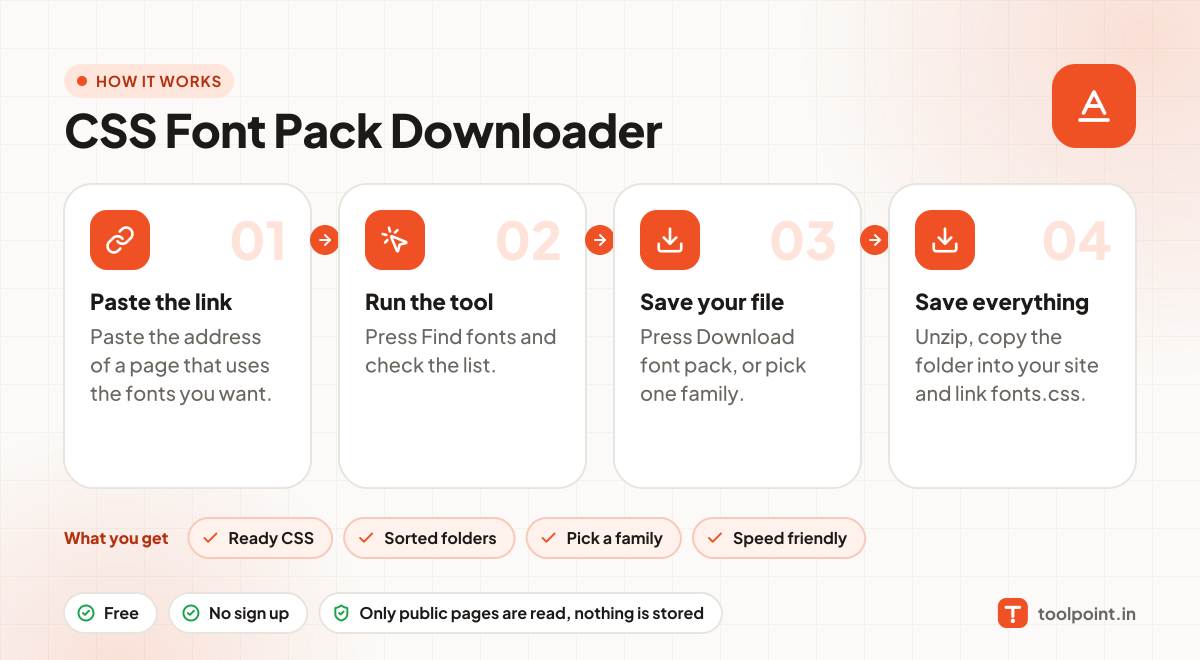
How it works, in one picture

Infographic: how to use the CSS Font Pack Downloader in 4 easy steps: Paste the link, Run the tool, Save your file and Save everything. You get: Ready CSS, Sorted folders, Pick a family and Speed friendly.

Frequently asked questions

Is it legal to download fonts?
Only use fonts you have a licence for. Google Fonts use the Open Font License, so you may self-host them. Paid fonts need their own licence.
How do I self-host Google Fonts?
Open a page that uses the font (like its Google Fonts page or your own site), download the pack here, and replace the Google Fonts link with your fonts.css.
Why are there many files for one font?
Each weight, style and language subset is a separate file. You can delete the ones you do not use.

You may also like