What is the SVG Asset Downloader?
SVG images are sharp at any size, which makes them perfect for logos and icons. Many sites put SVGs straight into the HTML (inline), so there is no file to right-click and save.
This tool finds SVG files in images, links, objects and sprites, and also every inline <svg> in the page. Inline SVGs are turned into proper standalone files. Scripts and event handlers are removed for safety. Preview them all and download everything in one ZIP.
How to use it
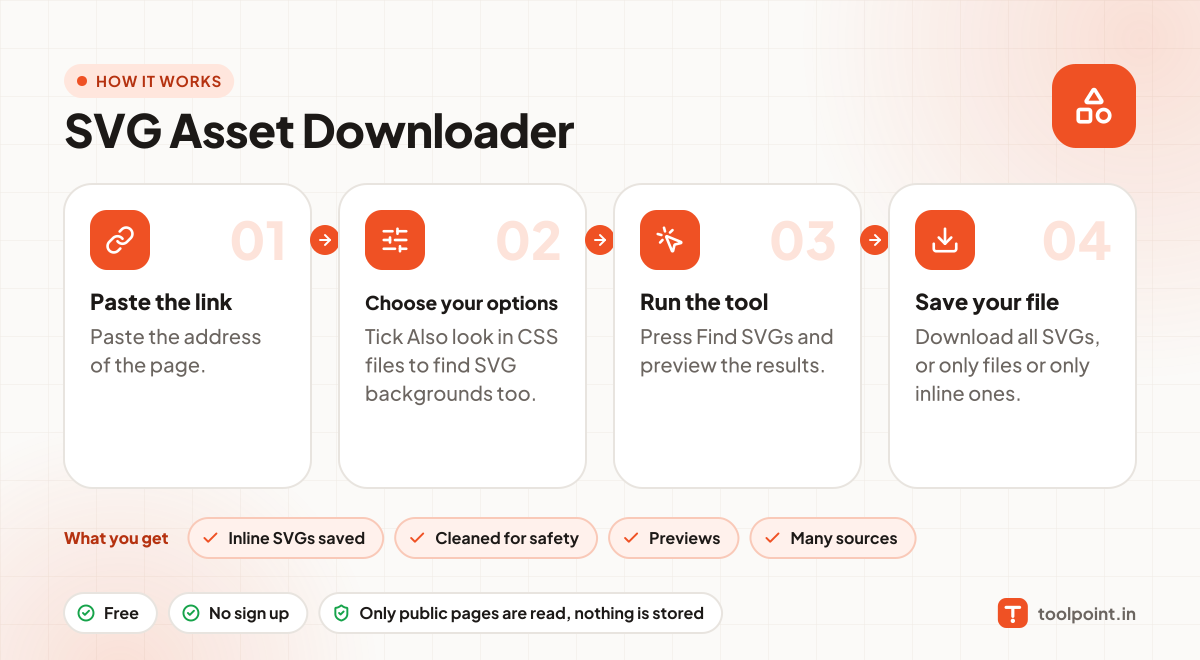
- Paste the address of the page.
- Tick Also look in CSS files to find SVG backgrounds too.
- Press Find SVGs and preview the results.
- Download all SVGs, or only files or only inline ones.
Why people like this tool
Inline SVGs saved
Icons written inside the HTML become real .svg files.
Cleaned for safety
Scripts and on-event code are stripped from inline SVGs.
Previews
See every SVG before you download.
Many sources
img, object, embed, sprites, links and (optionally) CSS.