Skip to content
Text Utilities

Upside Down Text Generator

Flip your text upside down and backwards. Copy and paste the result into chats, bios and posts for a fun look. Free and instant.

Pick a style and press Copy

These are special Unicode letters, not a real font. They work in most chats, bios and names, but some apps show empty boxes, and screen readers may read them oddly.

Something not working? Report a problem

What is the Upside Down Text Generator?

Turn any sentence upside down in one step. The letters are flipped and the order is reversed, so it reads right when you turn your phone around.

It uses special Unicode letters, so the result is normal text. Paste it anywhere you like.

How to use it

  1. Type your text in the box.
  2. Look at the styles that appear below it.
  3. Press Copy next to the style you like and paste it anywhere.

Why people like this tool

Flips and reverses

Looks right when turned upside down.

Letters, numbers, signs

Most keys are covered.

Copy in one click

No app and no sign up.

Free forever

No limits.
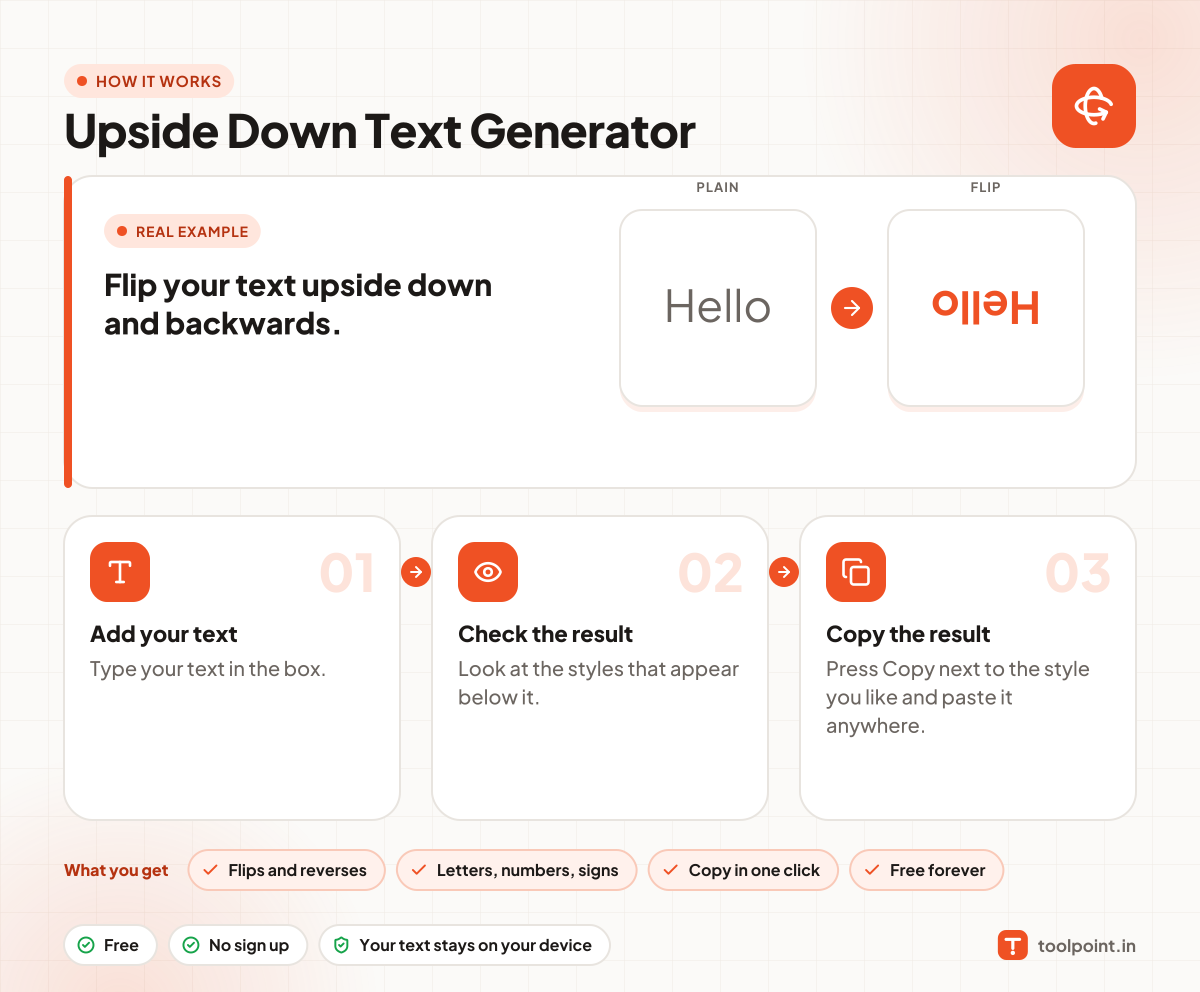
How it works, in one picture

Infographic: how to use the Upside Down Text Generator in 3 easy steps: Add your text, Check the result and Copy the result. You get: Flips and reverses, Letters, numbers, signs, Copy in one click and Free forever.

Frequently asked questions

How does upside down text work?
Each letter is swapped for a Unicode letter that looks flipped, and the text is reversed so it reads from the other end.
Does it work for every letter?
Most English letters, numbers and common signs work. Letters without a flipped look stay the same.
Can I use it in WhatsApp?
Yes, in most chat apps and social media.

You may also like