Skip to content
Text Utilities

Invisible Text Generator

Copy and paste blank, invisible text (ㅤ). Use it for empty names, messages and bios in WhatsApp, Instagram, Discord and games. Also finds hidden characters.

Your invisible text is ready

All blank characters

Find hidden characters in a text

Some apps remove blank characters from names or messages. If one letter does not work in your app, try another from the list.

Something not working? Report a problem

What is the Invisible Text Generator?

Sometimes you need a message, a name or a bio that looks empty. Normal spaces do not work, because most apps remove them. A special blank character does work, because the app sees it as a real letter.

Press the big button to copy the invisible text, then paste it. The most popular one is the Hangul Filler (ㅤ). If an app does not accept it, pick another from the list. This page can also scan any text and show you the hidden characters inside it.

How to use it

  1. Pick a blank character, or keep the default one.
  2. Press Copy invisible text.
  3. Paste it in your app. The box looks empty, but it holds text.

Why people like this tool

16 blank letters

Hangul filler, braille blank, zero width and more.

One click copy

Copy blank text for a name, a post or a bio.

Test box

Paste to check that it works.

Hidden finder

Reveal and remove hidden characters.
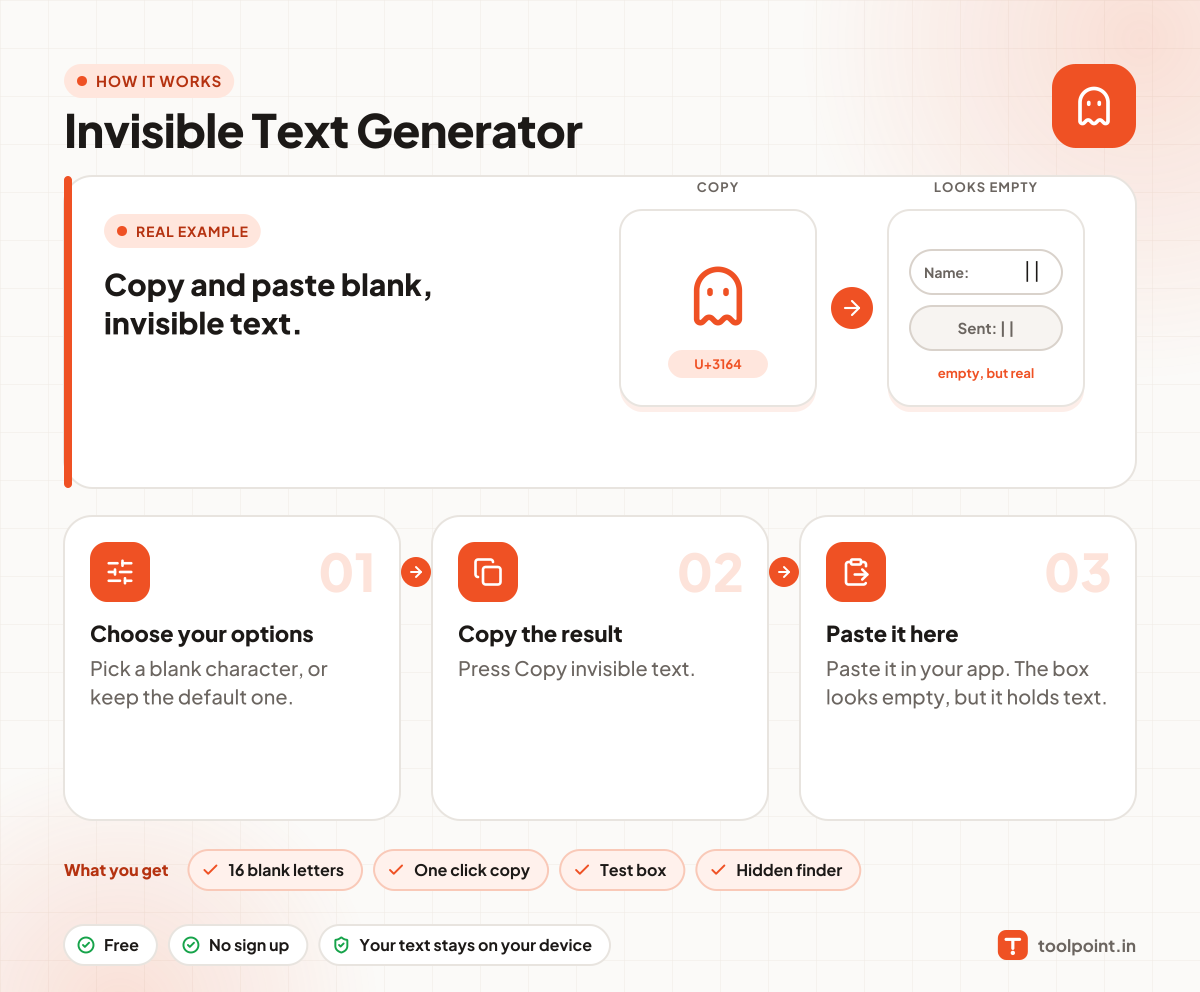
How it works, in one picture

Infographic: how to use the Invisible Text Generator in 3 easy steps: Choose your options, Copy the result and Paste it here. You get: 16 blank letters, One click copy, Test box and Hidden finder.

Frequently asked questions

What is invisible text?
It is text made from special Unicode characters that have no visible shape. It looks like nothing, but apps treat it as a real character.
Will it work in WhatsApp, Instagram and Discord?
Usually yes. The Hangul Filler and Braille Blank work in most places. Each app has its own rules, so if one does not work, try another character from the list.
Can I send a blank message?
Many chat apps block empty messages but accept a message with one invisible character. Copy one character and send it.
Is it safe to use?
Yes. These are normal Unicode characters. Please do not use them to trick or cheat other people.
How do I find hidden characters in my text?
Paste your text in the "Find hidden characters" box at the bottom. We list every hidden character and where it is, and you can remove them in one click.

You may also like