Skip to content
Text Utilities

Remove Underscores

Remove underscores from text in one click. Replace _ with a space, a hyphen or nothing. Clean file names, column names and copied text.

Something not working? Report a problem

What is the Remove Underscores?

Text copied from file names, database columns or code often has underscores like "first_name_of_user". This tool takes them out in one click.

You can replace each underscore with a space, with a hyphen, or with nothing at all. Extra spaces can be cleaned up in the same step.

How to use it

  1. Paste your text in the left box.
  2. Pick what to put in place of each underscore.
  3. Copy the clean text from the right box.

Why people like this tool

Space, hyphen or none

Choose what replaces the underscore.

Tidy spaces

Remove double spaces and trim lines.

Counts them

See how many underscores were removed.

Private

Runs in your browser only.
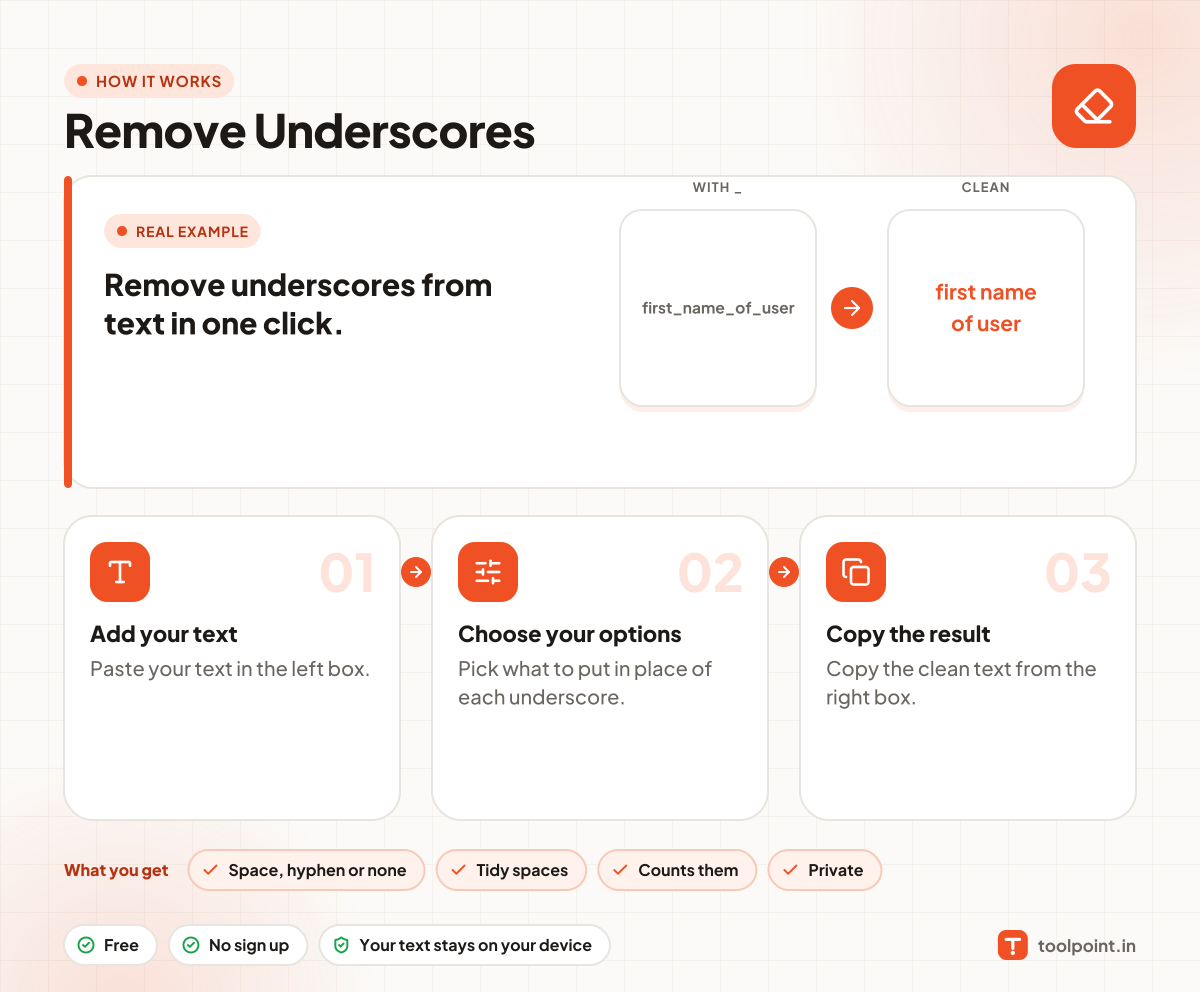
How it works, in one picture

Infographic: how to use the Remove Underscores in 3 easy steps: Add your text, Choose your options and Copy the result. You get: Space, hyphen or none, Tidy spaces, Counts them and Private.

Frequently asked questions

How do I remove underscores from text?
Paste your text in the left box. The underscores disappear in the right box. Pick a space, a hyphen or nothing as the replacement.
Can I turn underscores into spaces?
Yes. That is the default choice. "my_file_name" becomes "my file name".
Will it change other signs?
No. Only the underscore character is changed.

You may also like