Skip to content
Text Utilities

Comma Separator Tool

Turn a column of values into a comma separated list, or split a list back into a column. Add quotes, remove duplicates and sort. Like delim.co, free.

Something not working? Report a problem

What is the Comma Separator Tool?

Copied a column from Excel or Google Sheets and need it as one line with commas? Paste it here and get "a, b, c" at once. It is perfect for SQL IN lists, tags, emails and code arrays.

You can go the other way too. Paste a long comma separated line and get one item on each line. Add quotes, pick another separator like a semicolon or a pipe, remove duplicates, sort A to Z and more.

How to use it

  1. Choose Column to list or List to column.
  2. Paste your values in the left box.
  3. Set the separator, quotes and other options below.
  4. Copy the result from the right box.

Why people like this tool

Both ways

Column to list, and list to column.

Quotes and prefix

Wrap items in "quotes" for SQL or code.

Clean up

Trim, remove blanks and duplicates, and sort.

Any separator

Comma, semicolon, pipe, tab or your own.
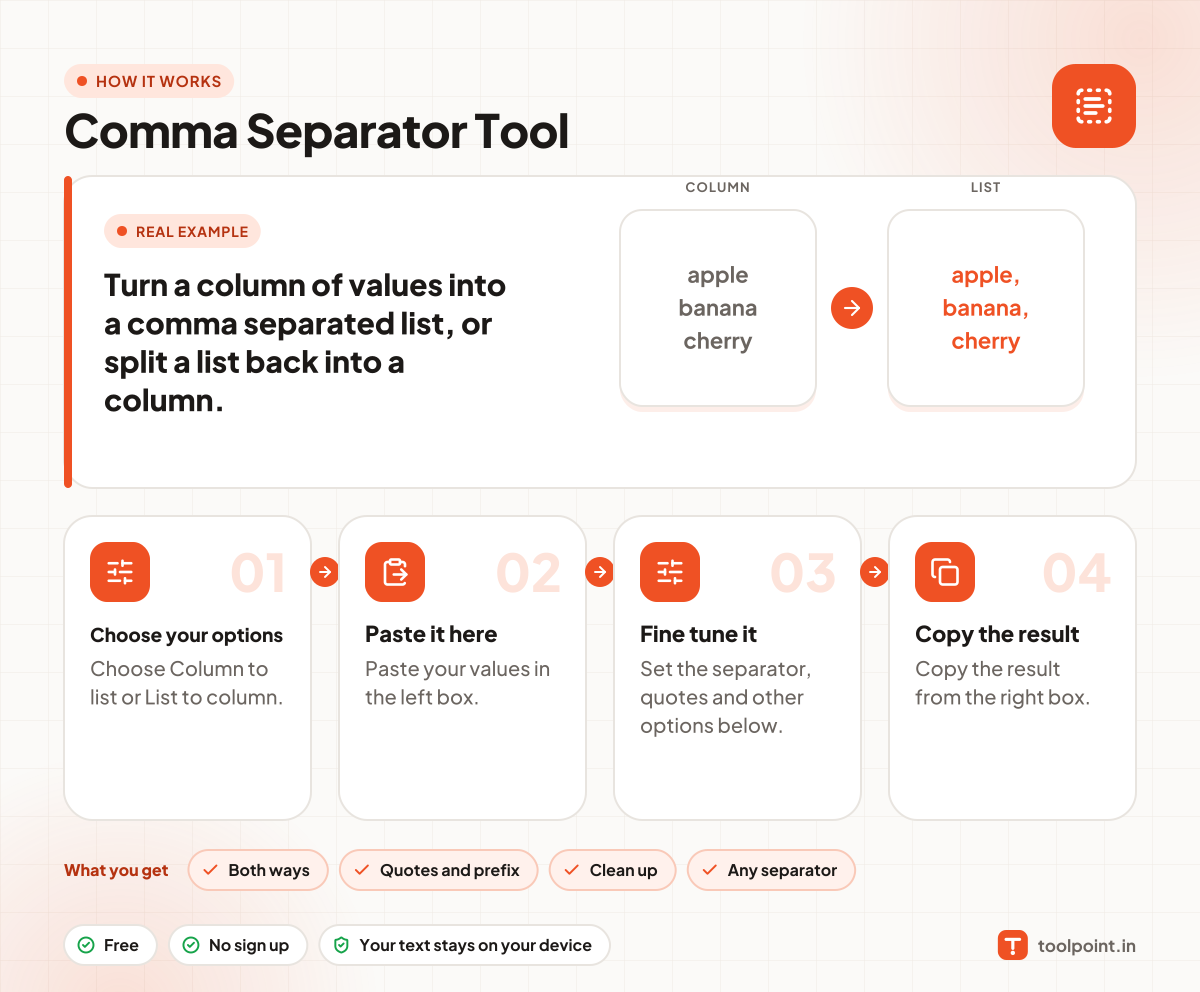
How it works, in one picture

Infographic: how to use the Comma Separator Tool in 4 easy steps: Choose your options, Paste it here, Fine tune it and Copy the result. You get: Both ways, Quotes and prefix, Clean up and Any separator.

Frequently asked questions

How do I convert a column to a comma separated list?
Copy the cells from your sheet, paste them in the left box, and keep "Column to list" selected. The right box shows the values with commas.
How do I make an SQL IN list?
Choose single quotes and add "(" as the start and ")" as the end. You get ( 'a', 'b', 'c' ) ready for your query.
Can it remove duplicates?
Yes. Tick "Remove duplicates" and each value is kept once.
Does it handle quoted values with commas?
Yes. When you split a list, a value like "Kumar, Raj" inside quotes stays in one piece.

You may also like