Skip to content
Text Utilities

Strikethrough Text Generator

Cross out your text with a line through it, or add an underline. Copy and paste into chats, bios and posts. Free strikethrough text generator.

Pick a style and press Copy

These are special Unicode letters, not a real font. They work in most chats, bios and names, but some apps show empty boxes, and screen readers may read them oddly.

Something not working? Report a problem

What is the Strikethrough Text Generator?

Want to show a price that was cut or an idea that was dropped? Strikethrough text puts a line through every letter. Type your text and copy the result.

You also get a slash, an underline, a double underline and a wavy underline. They are combining Unicode marks, so they work as plain text.

How to use it

  1. Type your text in the box.
  2. Look at the styles that appear below it.
  3. Press Copy next to the style you like and paste it anywhere.

Why people like this tool

5 line styles

Strike, slash, underline, double and wavy.

Works as text

Paste into any text box.

Copy in one click

No app and no sign up.

Free forever

No limits.
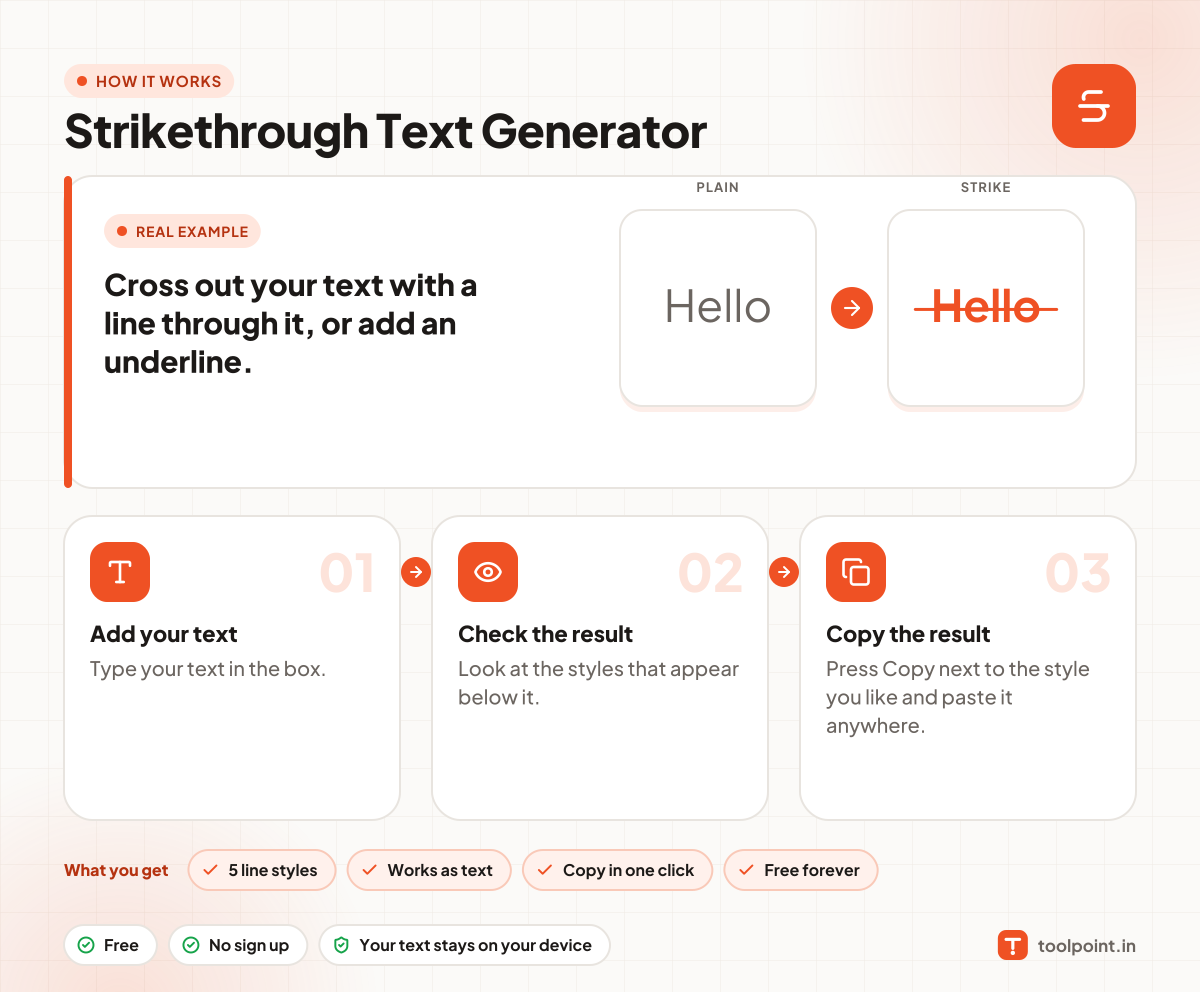
How it works, in one picture

Infographic: how to use the Strikethrough Text Generator in 3 easy steps: Add your text, Check the result and Copy the result. You get: 5 line styles, Works as text, Copy in one click and Free forever.

Frequently asked questions

How do I strike through text on WhatsApp?
WhatsApp can do it with a tilde, like ~this~. For other apps, copy the line-through text from this tool.
Does it work in Instagram and Facebook?
Yes. The strikethrough is built into the letters, so it stays when you paste.
Why does it look odd in some apps?
The line is a special mark added after each letter. A few apps draw it a little off. Try the slash or underline style instead.

You may also like