Skip to content
Text Utilities

Slugify URL Generator

Turn any title into a clean, SEO friendly URL slug. Removes accents and signs, adds hyphens, and can drop small words. Paste many titles at once.

Something not working? Report a problem

What is the Slugify URL Generator?

A slug is the last part of a web page address, like "my-first-blog-post". A clean slug is easy to read, easy to share and good for search engines.

Paste a title and get a slug. Accents are removed, signs like & become "and", and extra spaces turn into single hyphens. You can also use an underscore, cut the length, or drop small words like "the" and "of".

How to use it

  1. Paste one or more titles, one on each line.
  2. Pick the separator and other options below.
  3. Copy your slugs and use them in your page addresses.

Why people like this tool

Cleans accents

café becomes cafe, and ß becomes ss.

Many titles

One slug for each line.

Length limit

Cut a slug at a clean word end.

Drop small words

Remove the, of, and, for and more.
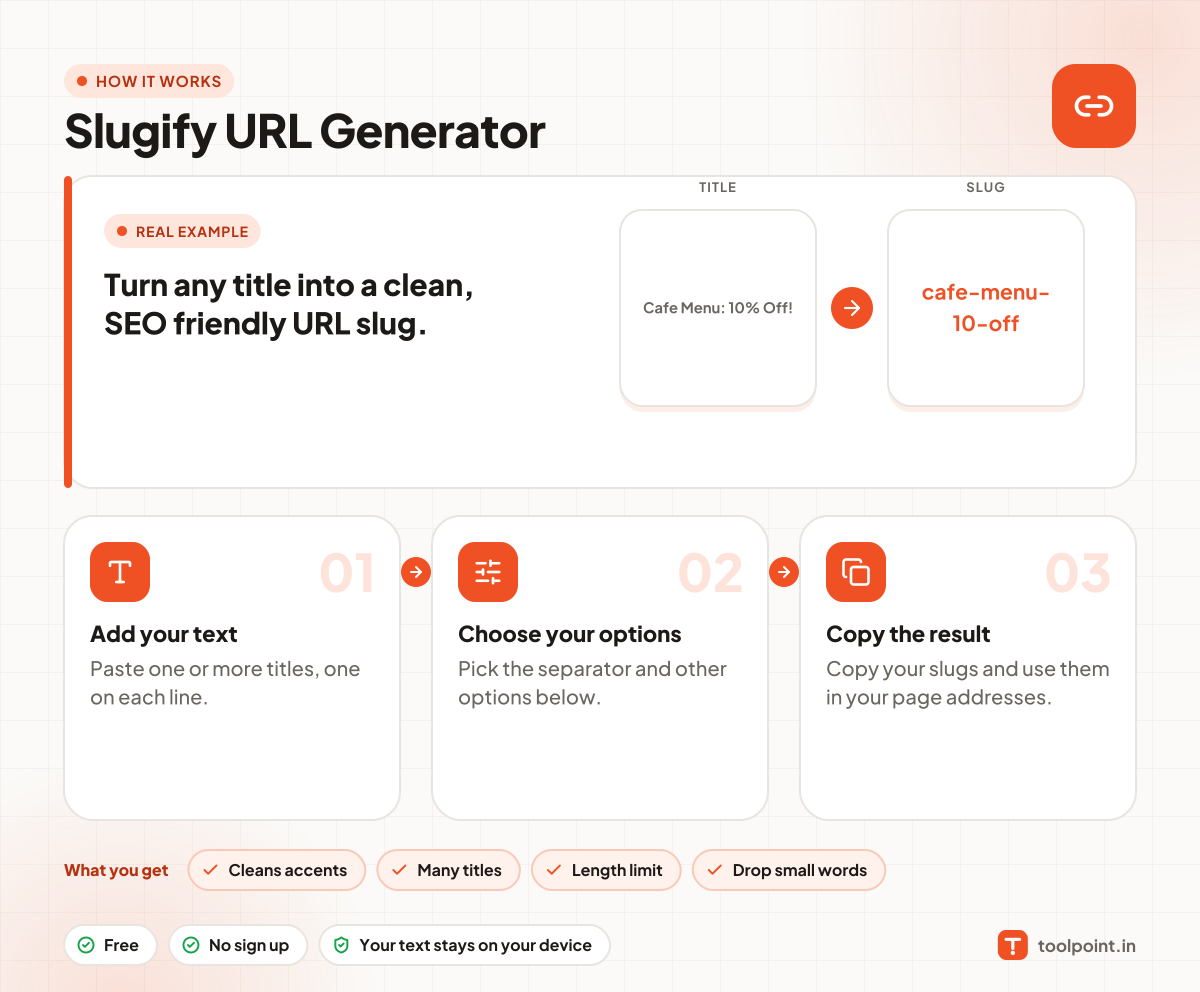
How it works, in one picture

Infographic: how to use the Slugify URL Generator in 3 easy steps: Add your text, Choose your options and Copy the result. You get: Cleans accents, Many titles, Length limit and Drop small words.

Frequently asked questions

What is a URL slug?
It is the readable last part of a page address, for example "toolpoint.in/blog/how-to-save-podcasts". It tells people and search engines what the page is about.
How long should a slug be?
Short is better. Aim for 3 to 6 words, or under 60 characters. Use the length option to cut long ones.
What happens to Hindi titles?
Letters outside A to Z are kept, so a Hindi title stays in Hindi. Browsers show it well, but some old systems turn it into %XX codes.
Should I use a hyphen or an underscore?
Use a hyphen. Google reads hyphens as word breaks, but not underscores.

You may also like