Skip to content
Works with X (Twitter)

Twitter Photo Downloader

Save photos from public Twitter (X) posts in the original full size. Paste the post link, then download one photo or all of them as a ZIP. No login needed.

Try:

Only public content can be saved. Please download only what you made yourself or have permission to use, and respect the creator's rights.

Something not working? Report a problem

What is the Twitter Photo Downloader?

Twitter, now called X, shows photos in a smaller size. This tool gets the original photo that the person uploaded, with its full width and height. It works with posts that have 1, 2, 3 or 4 photos, and quoted posts too.

Paste the post link and press the button. You see every photo with its real size, and you can also save the profile photo of the account in a large size. Both x.com and twitter.com links work.

How to use it

  1. On X (Twitter), press Share on the post and choose Copy link.
  2. Paste it here and press Get photos.
  3. Download each photo, or save all of them as a ZIP.

Why people like this tool

Original size

The full size photo, not the small preview.

All photos

Up to 4 photos in a post, plus quoted posts.

Profile photo

Save the account picture in 400 × 400.

No login

Works for public posts with no account or app.
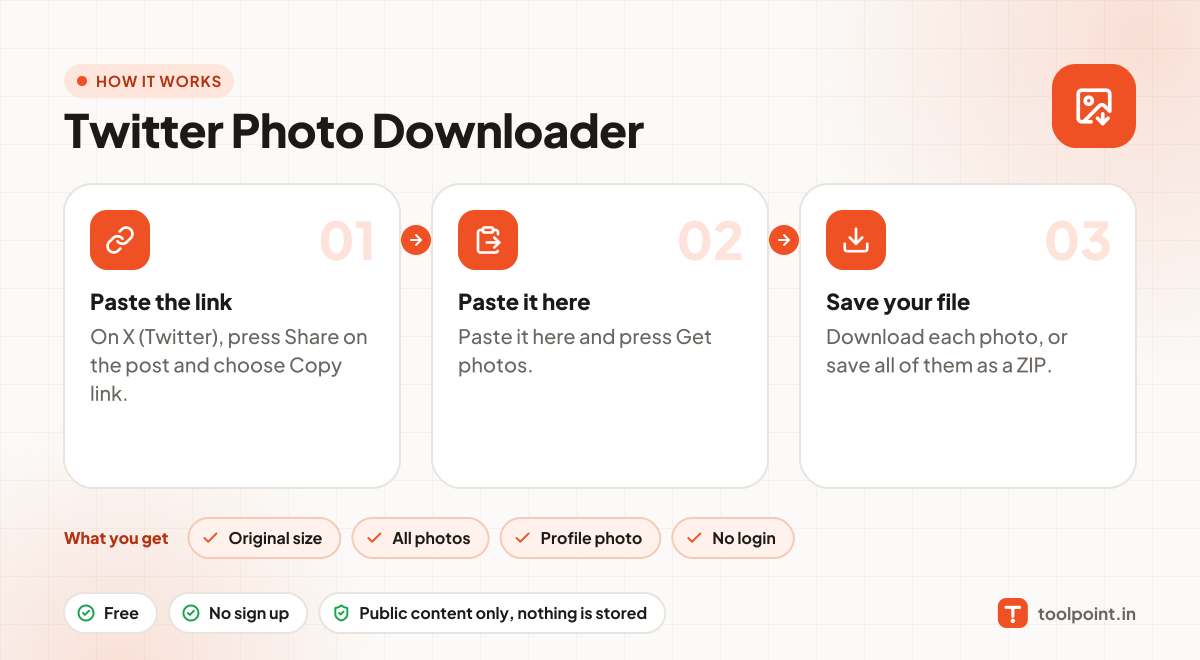
How it works, in one picture

Infographic: how to use the Twitter Photo Downloader in 3 easy steps: Paste the link, Paste it here and Save your file. You get: Original size, All photos, Profile photo and No login.

Frequently asked questions

How do I download a photo from Twitter?
Copy the post link, paste it above and press Get photos. Then press Download under the photo. The file is saved in its original size.
Does it save videos and GIFs?
This tool is made for photos. If a post has a video or GIF, you get its cover picture.
Why can I not open some posts?
Posts from private accounts, deleted posts and posts marked sensitive by X are not shown to anyone without a login, so they cannot be read here.
Do x.com and twitter.com links both work?
Yes. Links from x.com, twitter.com, mobile.twitter.com and the fixupx and fxtwitter copies all work.
Is it okay to download photos?
Save photos for your own use, or when the owner allows it. Photos belong to the person who posted them, so do not re-upload or sell them.

You may also like