Skip to content
Works with Mixcloud

Mixcloud Episode Exporter

Export the tracklist, cover art, tags and stats of a public Mixcloud show as CSV, JSON or TXT. Paste a profile to list all its shows.

Try:

Only public content can be saved. Please download only what you made yourself or have permission to use, and respect the creator's rights.

Something not working? Report a problem

What is the Mixcloud Episode Exporter?

Heard a great mix and want to know every song in it? Paste the Mixcloud show link and we export its full tracklist with start times, plus the cover art, tags, length and plays.

Paste a profile link instead to get a list of that DJ or radio station's latest 100 shows. Mixcloud protects its audio because of music licences, so this tool saves the details, not the audio.

How to use it

  1. Copy the show link (or profile link) from Mixcloud.
  2. Paste it here and press Export show.
  3. Save the tracklist as CSV, JSON or TXT, and download the cover art.

Why people like this tool

Full tracklist

Artist, song and start time for each track.

Cover art

Saved at 1200 × 1200.

Show lists

A profile gives you its latest 100 shows with links.

CSV, JSON, TXT

Easy to open, share or use in apps.
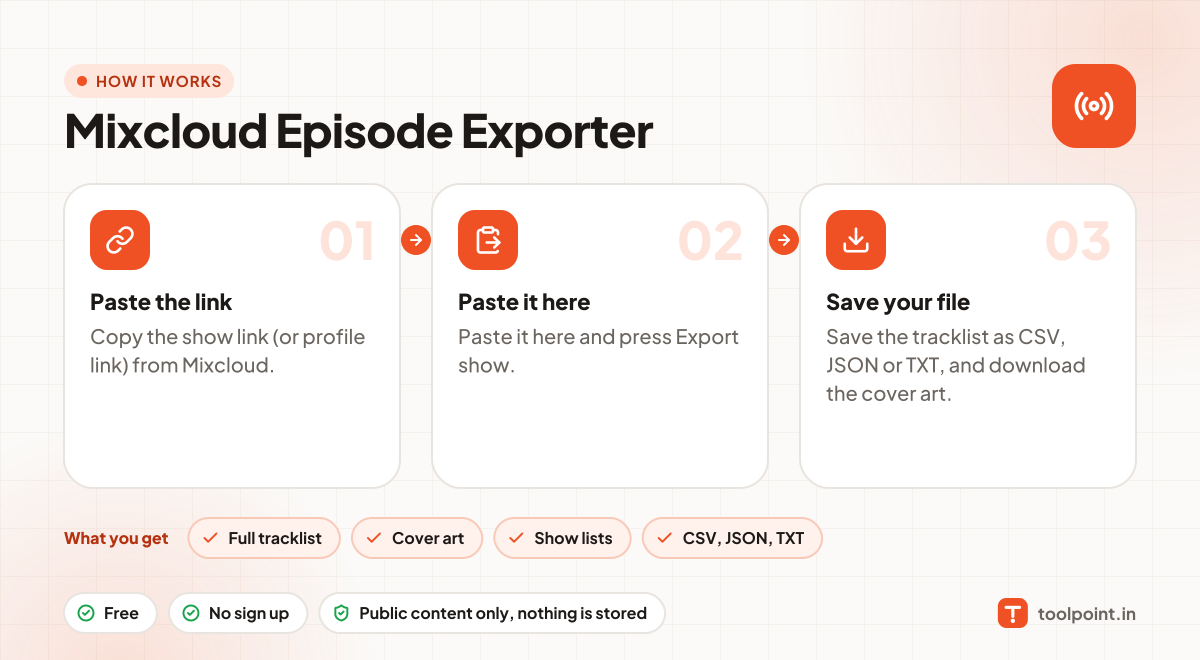
How it works, in one picture

Infographic: how to use the Mixcloud Episode Exporter in 3 easy steps: Paste the link, Paste it here and Save your file. You get: Full tracklist, Cover art, Show lists and CSV, JSON, TXT.

Frequently asked questions

Why can I not download the audio?
Mixcloud pays music licences and deliberately protects its streams. We respect that, so this tool only exports the public details.
Why is the tracklist empty?
Some uploaders do not add a tracklist, and Mixcloud hides some for licensing reasons.
Can I export many shows at once?
Yes. Paste a profile link to get a table of its latest 100 shows.
Do you keep a copy?
No. Files pass through to your device and nothing is saved on our server.

You may also like