Skip to content
Works with Twitch

Twitch Clip Downloader

Download public Twitch clips as MP4 in every quality Twitch offers, up to 1080p. Also save the clip thumbnail.

Try:

Only public content can be saved. Please download only what you made yourself or have permission to use, and respect the creator's rights.

Something not working? Report a problem

What is the Twitch Clip Downloader?

Paste the link of any public Twitch clip and pick a quality: 1080p, 720p, 480p or 360p. You get a normal MP4 file that plays everywhere and is easy to share or edit.

We also show the clip title, the streamer, the game, who made the clip and how many views it has.

How to use it

  1. On Twitch, open the clip and press Share → Copy link.
  2. Paste it here and press Get clip.
  3. Press Download on the quality you want.

Why people like this tool

Up to 1080p

Every quality Twitch keeps for the clip.

MP4 file

Plays on phones, computers and in editors.

Clip details

Streamer, game, clipper and views.

Thumbnail too

Save the clip's preview image.
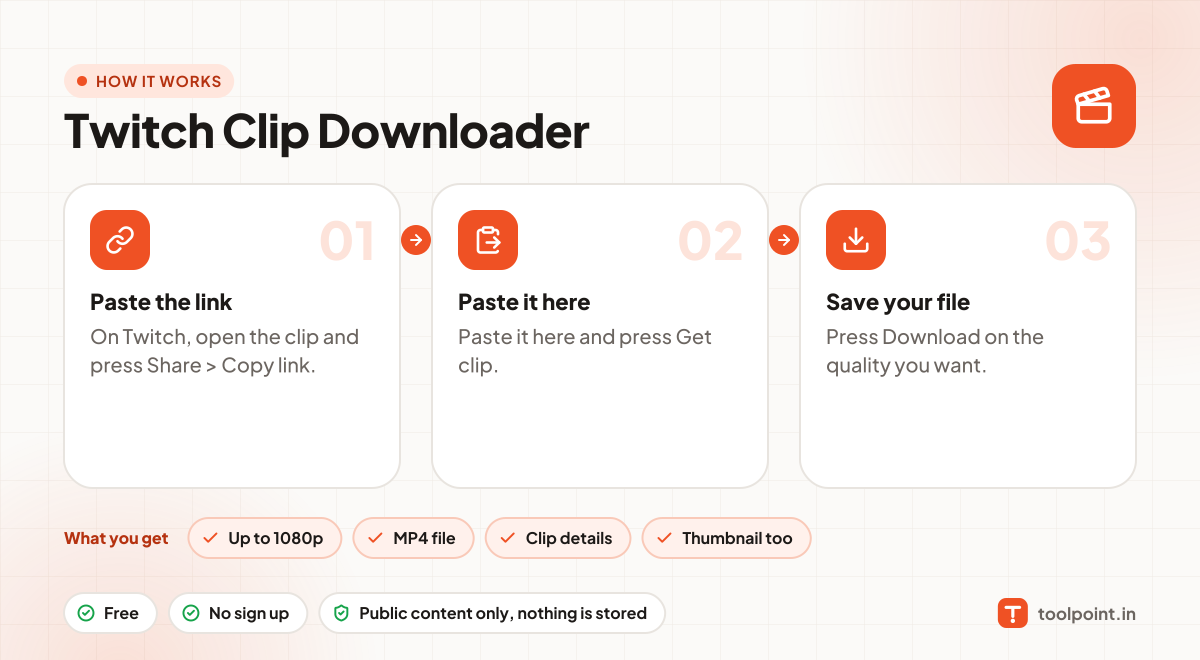
How it works, in one picture

Infographic: how to use the Twitch Clip Downloader in 3 easy steps: Paste the link, Paste it here and Save your file. You get: Up to 1080p, MP4 file, Clip details and Thumbnail too.

Frequently asked questions

Can I download a full stream (VOD)?
No, this tool is only for clips. Clips are short, shareable parts of a stream.
Which links work?
clips.twitch.tv/… links and twitch.tv/channel/clip/… links both work.
Is it legal to download?
Downloading is fine for your own content, content with a free licence, or when the creator allows it. Do not re-upload or sell other people's work.
Do you keep a copy?
No. Files pass through to your device and nothing is saved on our server.

You may also like