Skip to content
Works with Vimeo

Vimeo Audio Extractor

Save the sound of a public Vimeo video as an M4A audio file. Great for talks, lessons and music. DRM-protected videos are respected.

Try:

Only public content can be saved. Please download only what you made yourself or have permission to use, and respect the creator's rights.

Something not working? Report a problem

What is the Vimeo Audio Extractor?

Many talks, lessons and performances live on Vimeo. If you only need the sound, paste the video link and we save its audio track as an M4A file, in the best quality Vimeo offers.

Some Vimeo videos are protected with DRM by their owners. We respect that protection, so for those videos we tell you plainly that the audio cannot be saved.

How to use it

  1. Copy the Vimeo video link. For unlisted videos, copy the full link including the code after the number.
  2. Paste it here and press Extract audio.
  3. Press Download on the quality you want.

Why people like this tool

Best sound

We list every audio quality, highest first.

M4A (AAC)

Plays on iPhone, Android, Windows and Mac.

Unlisted links

Links with a private code work too.

Honest about DRM

Protected videos are never touched.
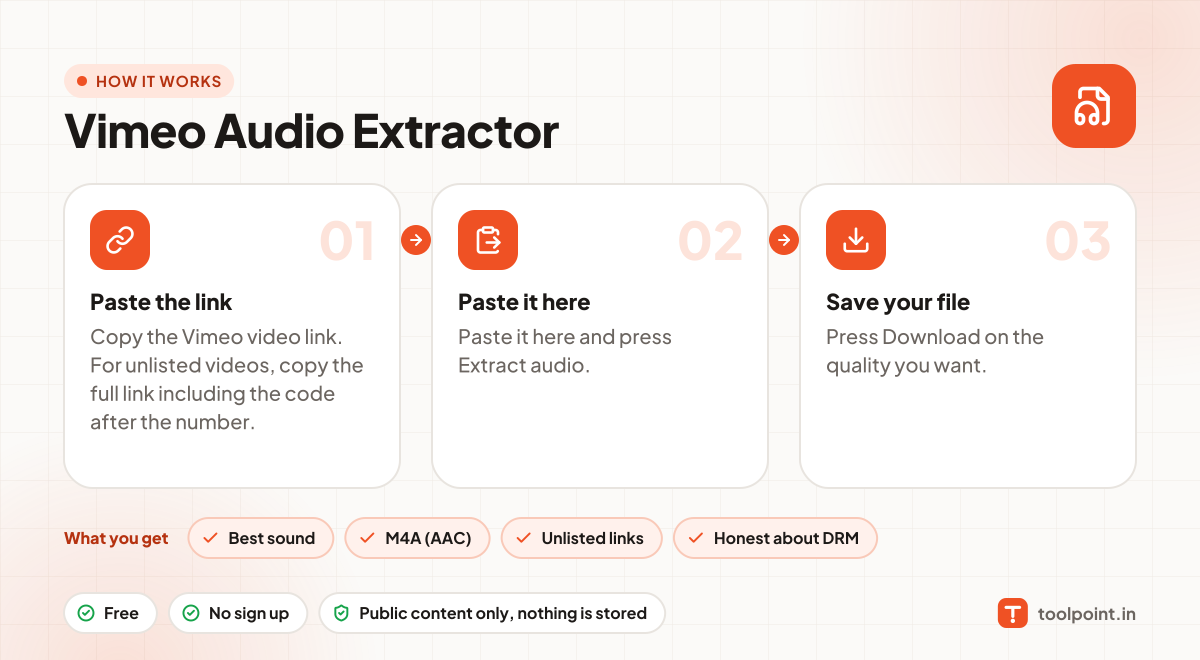
How it works, in one picture

Infographic: how to use the Vimeo Audio Extractor in 3 easy steps: Paste the link, Paste it here and Save your file. You get: Best sound, M4A (AAC), Unlisted links and Honest about DRM.

Frequently asked questions

Why can I not get an MP3?
Vimeo sends audio in AAC (M4A), which sounds better than MP3 at the same size. Any converter can change it to MP3 if you need.
It says the video is private or embed-only.
Some owners only allow their video on their own website. Those cannot be read.
Is it legal to download?
Downloading is fine for your own content, content with a free licence, or when the creator allows it. Do not re-upload or sell other people's work.
Do you keep a copy?
No. Files pass through to your device and nothing is saved on our server.

You may also like