Skip to content
Works with SoundCloud

SoundCloud Audio Downloader

Save public SoundCloud tracks and playlists as MP3 or M4A. When the artist allows downloads, we also offer their original file.

Try:

Only public content can be saved. Please download only what you made yourself or have permission to use, and respect the creator's rights.

Something not working? Report a problem

What is the SoundCloud Audio Downloader?

Paste the link of a public SoundCloud track, playlist (set) or artist page. We show each track with its cover art and length, ready to save as MP3 (128 kbps) or M4A (up to 160 kbps).

If the artist has turned on free downloads, we try to get their original upload too. Tracks that are only for SoundCloud Go+ members play as 30-second previews, so we do not offer those.

How to use it

  1. Copy the link from the SoundCloud app or website (Share → Copy link).
  2. Paste it here and press Get audio.
  3. Pick MP3 or M4A and press Download. For playlists, save all as a ZIP.

Why people like this tool

MP3 and M4A

MP3 plays everywhere; M4A often sounds a little better.

Playlists

Save up to 200 tracks of a set at once.

Artist pages

See an artist's latest 50 tracks.

Cover art

Each track shows its 500 × 500 artwork.
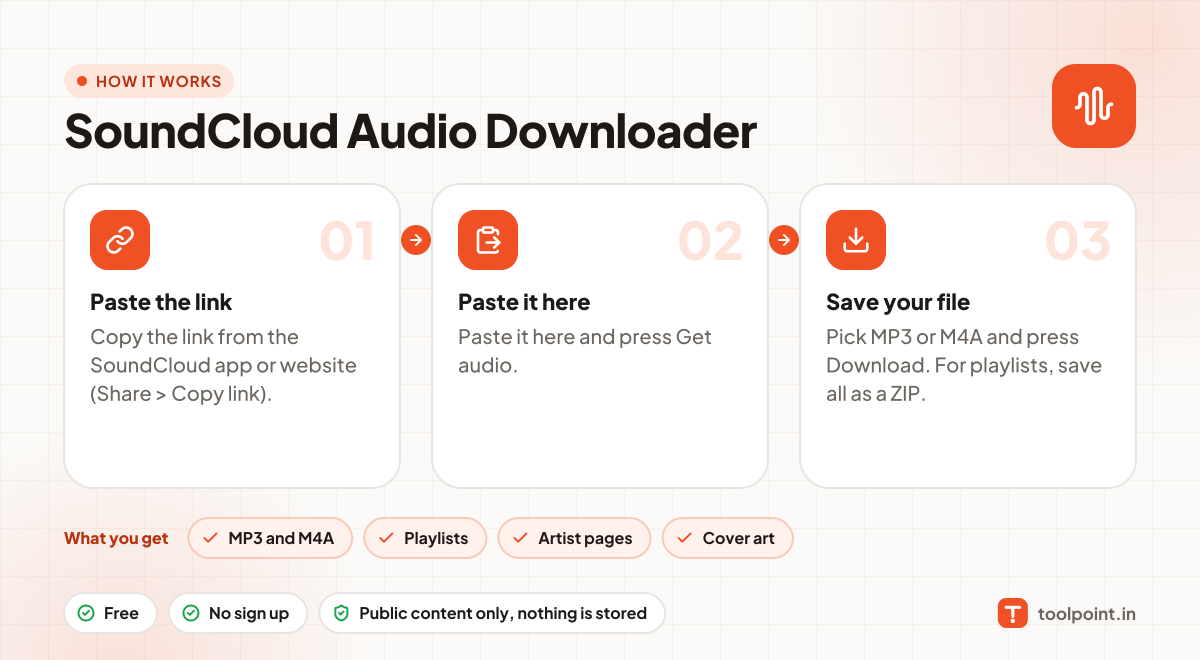
How it works, in one picture

Infographic: how to use the SoundCloud Audio Downloader in 3 easy steps: Paste the link, Paste it here and Save your file. You get: MP3 and M4A, Playlists, Artist pages and Cover art.

Frequently asked questions

Why is a track missing from my playlist?
Private, removed and Go+ only tracks cannot be saved. The note above the list says how many were skipped.
Can I get higher than 160 kbps?
Only if the artist allows downloads of their original file. Otherwise SoundCloud streams at 128 kbps MP3 or 160 kbps AAC.
Is it legal to download?
Downloading is fine for your own content, content with a free licence, or when the creator allows it. Do not re-upload or sell other people's work.
Do you keep a copy?
No. Files pass through to your device and nothing is saved on our server.

You may also like