Skip to content
Sitemap & SEO Tools

Twitter (X) Card Image Downloader

Get the Twitter / X card image of any page. Check the card type, title and image size, preview the card, and download the image.

Try:

Something not working? Report a problem

What is the Twitter (X) Card Image Downloader?

X (Twitter) builds a card when someone posts a link. The card image comes from the twitter:image tag, or from og:image if that tag is missing. The twitter:card tag decides if the image is small or large.

This tool reads all twitter: tags, shows the card type, previews the card and downloads the image. It warns you when the image shape is not right for a large card, which works best at a 2:1 ratio like 1200 × 600 pixels.

How to use it

  1. Paste the address of a page.
  2. Press Get card image.
  3. Check the card type and read the tips.
  4. Press Download image to save it.

Why people like this tool

Card type

See if the page uses summary or summary_large_image.

Smart fallback

If there is no twitter:image, we show the og:image X will use.

Shape check

Tips when the image ratio is not ideal for large cards.

All twitter tags

Every twitter: tag listed in a table.
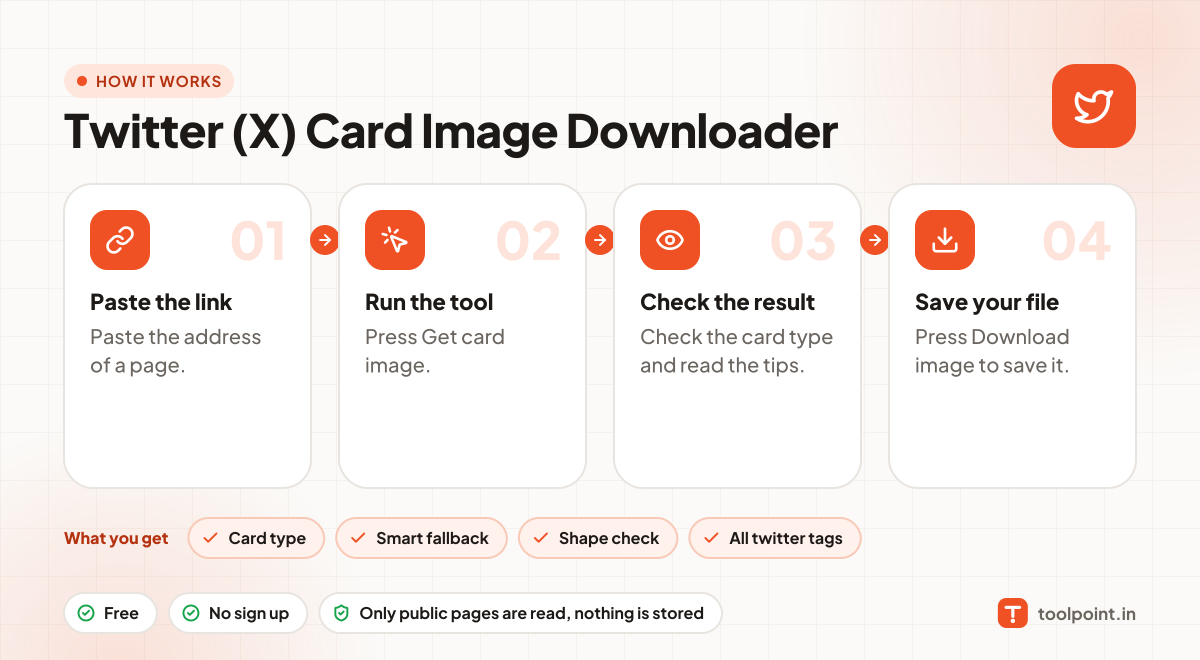
How it works, in one picture

Infographic: how to use the Twitter (X) Card Image Downloader in 4 easy steps: Paste the link, Run the tool, Check the result and Save your file. You get: Card type, Smart fallback, Shape check and All twitter tags.

Frequently asked questions

Do I need twitter:image if I have og:image?
Not really. X uses og:image when twitter:image is missing. But you do need a twitter:card tag to get a large image card.
What is the best Twitter card image size?
For summary_large_image, use about 1200 × 600 pixels (2:1). For the small summary card, a square image of at least 144 × 144 works.
Why does my card not show on X?
Check that the page is public, the image URL works, and the image is under 5 MB. X also caches cards for about a week.

You may also like