Skip to content
Sitemap & SEO Tools

Sitemap Index Downloader

Find every sitemap of a website and get all page URLs in one list. Works with sitemap index files and .gz sitemaps. Export to CSV or TXT.

Try:

Something not working? Report a problem

What is the Sitemap Index Downloader?

Big websites split their sitemap into many small files. A main file, called a sitemap index, points to all the others. Opening them one by one is slow and boring.

This tool does it for you. Enter a website or a sitemap link. We look in robots.txt and the usual places, open the sitemap index, follow every child sitemap (even .xml.gz files), and collect all page URLs with their last updated date. Then download the full list as CSV or TXT, or get all the sitemap files as a ZIP.

How to use it

  1. Type the website address, like example.com. Or paste a direct sitemap link.
  2. Press Find sitemaps. We check robots.txt and common sitemap names.
  3. See all sitemap files and every page URL in the tables.
  4. Download all URLs as CSV or TXT, or all sitemap files as a ZIP.

Why people like this tool

Follows every index

Nested sitemap indexes are opened automatically, up to 100 files.

Reads .gz sitemaps

Compressed sitemaps are unzipped for you.

Up to 200,000 URLs

Big sites are fine. Export the full list in one click.

Last modified dates

See when each page and sitemap was last updated.
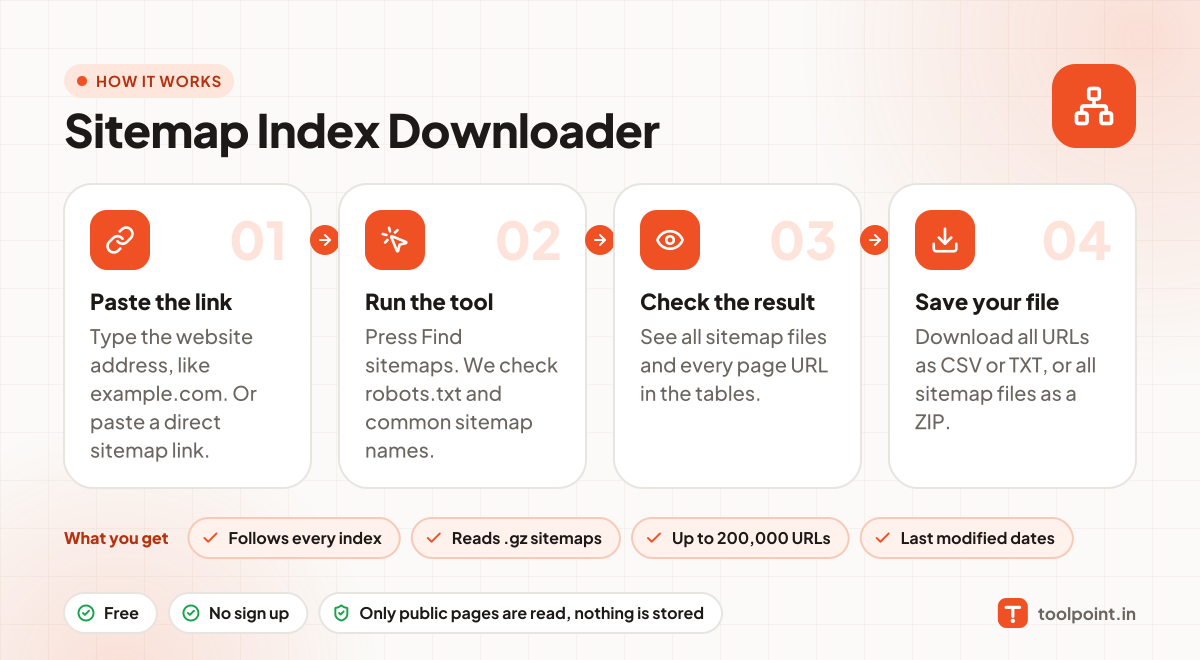
How it works, in one picture

Infographic: how to use the Sitemap Index Downloader in 4 easy steps: Paste the link, Run the tool, Check the result and Save your file. You get: Follows every index, Reads .gz sitemaps, Up to 200,000 URLs and Last modified dates.

Frequently asked questions

What is a sitemap index?
It is a sitemap that lists other sitemaps instead of pages. Sites use it when they have more than 50,000 URLs, or to keep posts, pages and products in separate files.
Where do you look for the sitemap?
First in the website's robots.txt file (the "Sitemap:" line). If there is none, we try common names like /sitemap.xml, /sitemap_index.xml and /wp-sitemap.xml.
Can I check a WordPress site?
Yes. WordPress, Yoast SEO, Rank Math and most other SEO plugins make sitemaps this tool can read.
Why are some sitemaps marked as errors?
The file may be deleted, blocked, or return a normal webpage instead of XML. The note column tells you why.
What can I do with the URL list?
Use it for SEO audits, to find old pages, to check broken links, or to plan redirects when moving a site.

You may also like