Skip to content
Sitemap & SEO Tools

Canonical URL Exporter

Check the canonical tag of up to 20 pages at once. See if each page points to itself, to another page, or has no canonical. Export to CSV.

Try:

Something not working? Report a problem

What is the Canonical URL Exporter?

A canonical tag tells Google which address is the main version of a page. It looks like <link rel="canonical" href="...">. When it is wrong, Google may show the wrong page or ignore your page.

Paste up to 20 page addresses, one per line. For each page we show the canonical URL, whether it matches the page (self canonical), points somewhere else, or is missing. We also show meta robots and og:url so you can spot conflicts quickly.

How to use it

  1. Paste up to 20 page addresses in the box, one per line.
  2. Press Check canonicals.
  3. Look at the Result column: Match, Different page or Missing.
  4. Press CSV to save the report for your SEO work.

Why people like this tool

Bulk check

Up to 20 pages in one go, checked at the same time.

Clear result

Self canonical, points elsewhere, or missing, in plain words.

Header canonical too

We also read canonical links sent in the HTTP Link header.

Extra signals

Meta robots and og:url shown next to each canonical.
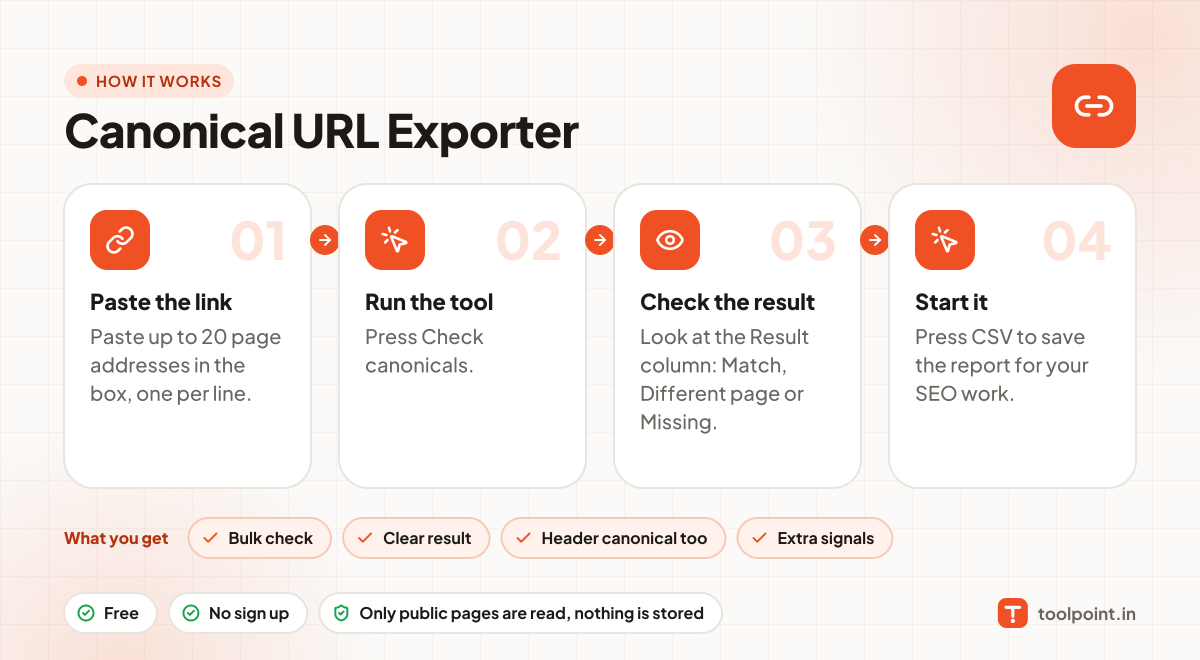
How it works, in one picture

Infographic: how to use the Canonical URL Exporter in 4 easy steps: Paste the link, Run the tool, Check the result and Start it. You get: Bulk check, Clear result, Header canonical too and Extra signals.

Frequently asked questions

What is a self-referencing canonical?
It means the page's canonical tag points to its own address. This is the normal and safe setup for most pages.
When should a canonical point to another page?
When two pages have the same or very similar content, like a product with colour options or a page with tracking parameters. Point them to the main one.
Does http vs https or www matter?
Yes for Google, but our "Match" check ignores http/https and www so you can focus on real problems. Make sure your canonical uses your preferred version.
Why 20 pages only?
To keep the tool fast for everyone. For a full site, get the URL list with our Sitemap Index Downloader and check it in batches.

You may also like