What is the Sitemap ZIP Downloader?
Sometimes you need the real sitemap files, not just a list of links. Maybe you want a backup before a site move, or you want to compare sitemaps before and after a change.
This tool finds the sitemap index and every child sitemap, then packs them all into one ZIP file. File names are kept, so you can see which file is which. We also add a small text file listing every sitemap we saved.
How to use it
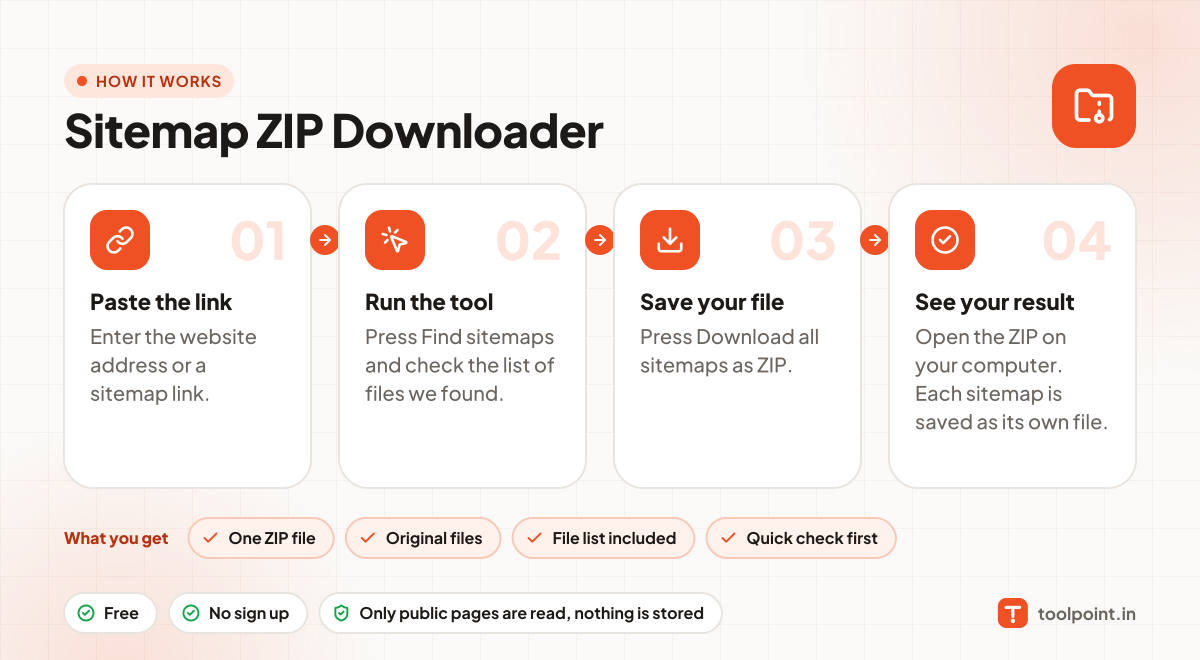
- Enter the website address or a sitemap link.
- Press Find sitemaps and check the list of files we found.
- Press Download all sitemaps as ZIP.
- Open the ZIP on your computer. Each sitemap is saved as its own file.
Why people like this tool
One ZIP file
All sitemap files together, up to 100 files.
Original files
Saved exactly as the website serves them, including .gz files.
File list included
A text file lists every sitemap URL in the ZIP.
Quick check first
See the files and URL counts before you download.