Skip to content
Sitemap & SEO Tools

Alternate Link Exporter

List every rel="alternate" link on a page: RSS and Atom feeds, AMP pages, language versions, oEmbed and more. Export to CSV.

Try:

Something not working? Report a problem

What is the Alternate Link Exporter?

Pages use rel="alternate" links to point to other versions of the same content. These can be RSS or Atom feeds, an AMP version, a mobile version, other languages, or oEmbed data used by social apps.

Our tool finds all of them, including ones sent in the HTTP header, and sorts them by kind. It is a fast way to find a site's RSS feed, check the AMP link, or export all alternate resources for an audit.

How to use it

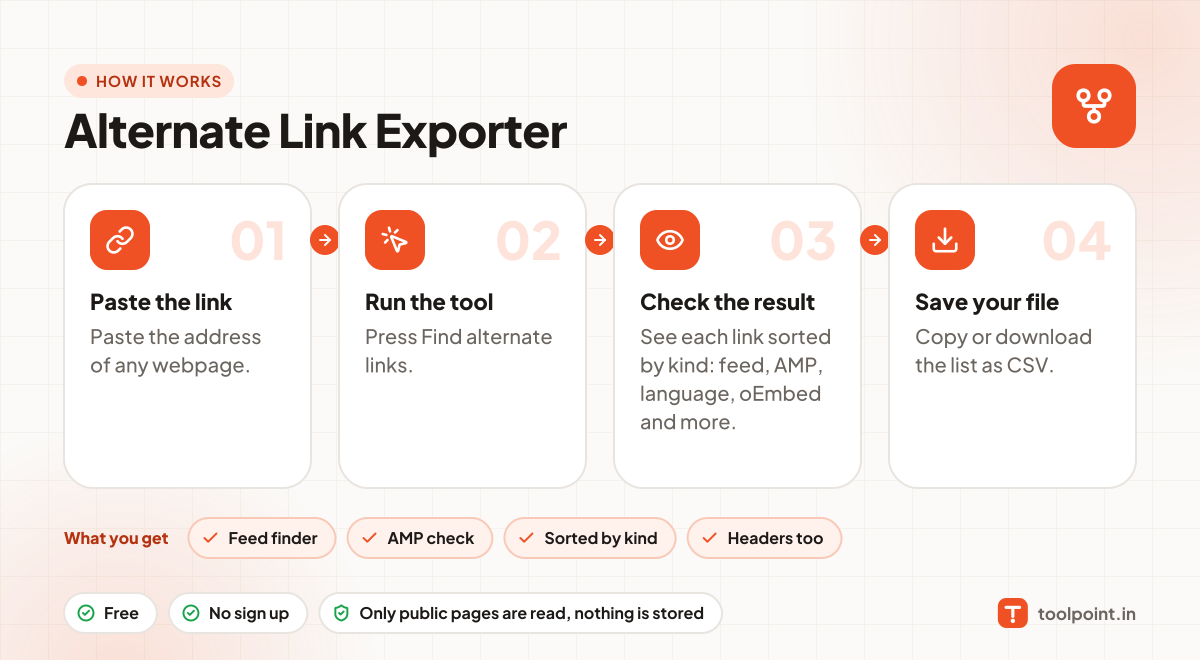
  1. Paste the address of any webpage.
  2. Press Find alternate links.
  3. See each link sorted by kind: feed, AMP, language, oEmbed and more.
  4. Copy or download the list as CSV.

Why people like this tool

Feed finder

Quickly find RSS, Atom and JSON feeds of any site.

AMP check

See if the page has an AMP version.

Sorted by kind

Each link gets a simple label so you know what it is.

Headers too

Alternate links in HTTP Link headers are included.
How it works, in one picture

Infographic: how to use the Alternate Link Exporter in 4 easy steps: Paste the link, Run the tool, Check the result and Save your file. You get: Feed finder, AMP check, Sorted by kind and Headers too.

Frequently asked questions

How do I find a website's RSS feed?
Enter the homepage or blog page. If the site has a feed, it will show as "RSS feed" or "Atom feed" in the list.
What is oEmbed?
It is a format that lets apps like WordPress or Slack show a rich preview of a link. Sites link to their oEmbed data with an alternate tag.
Why is my language version not shown?
This tool shows alternate links with hreflang too. If nothing shows, the page has no such tags. Use our Hreflang Exporter for a full check.

You may also like