Skip to content
Works with Telegram

Telegram Post Media Exporter

Export the media of public Telegram posts as a CSV or JSON list: file name, type, size, length, date, views, caption and links.

Try:

Only public content can be saved. Please download only what you made yourself or have permission to use, and respect the creator's rights.

Something not working? Report a problem

What is the Telegram Post Media Exporter?

Need a record of what a channel posted? This tool reads the posts and builds a clean table of every media file: its type, name, length, date, views, caption, file link and post link.

Open the CSV in Excel or Google Sheets, or use the JSON in your own app. It is great for research, reports and keeping an archive.

How to use it

  1. Paste a post or channel link and choose how many posts to read.
  2. Press Read posts.
  3. Open Export list and choose CSV or JSON.

Why people like this tool

Excel ready

CSV opens straight in Excel and Google Sheets.

Rich details

Type, size, length, date, views, caption and links.

Whole channels

Up to 200 posts at a time, then load older ones.

JSON too

Machine-readable data for developers.
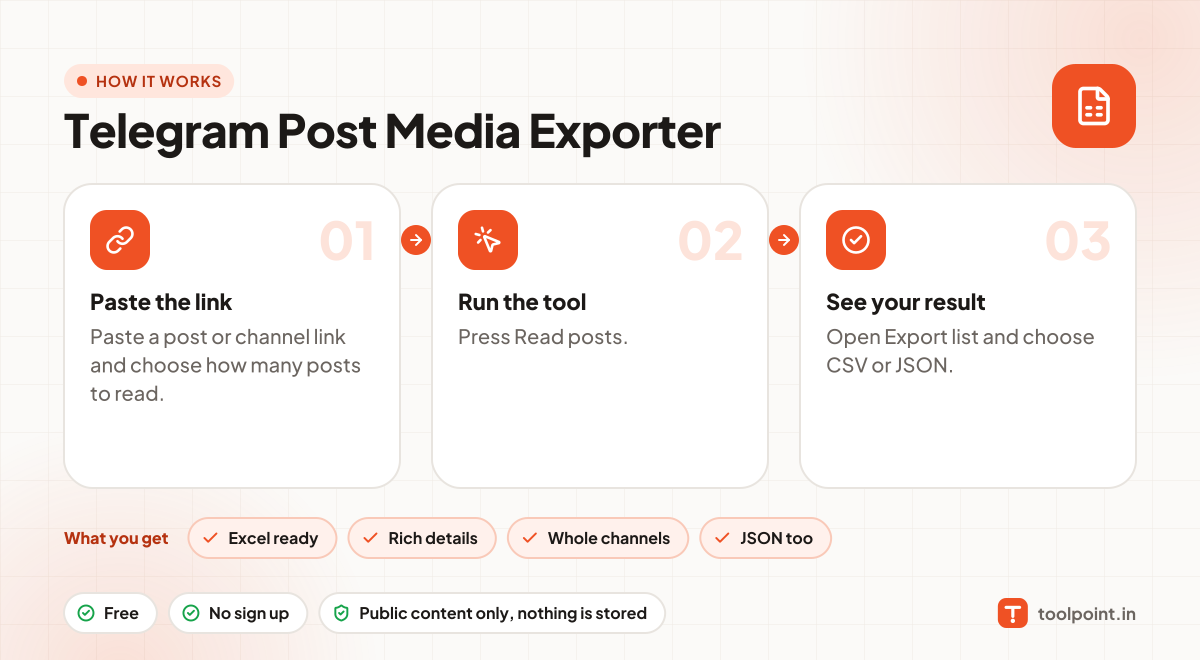
How it works, in one picture

Infographic: how to use the Telegram Post Media Exporter in 3 easy steps: Paste the link, Run the tool and See your result. You get: Excel ready, Rich details, Whole channels and JSON too.

Frequently asked questions

What columns are in the CSV?
File name, type, quality, size, length, date, caption, views, width, file link and post link.
Are captions included?
Yes, the first part of each post's text is included as the caption.
Can I use it for private groups or chats?
No. Only public channels have a web preview. Private groups, chats and channels need a Telegram login, and we never ask for one.
Do you keep the files?
No. Photos and videos go straight from Telegram to your browser. Nothing is saved on our server.

You may also like