Skip to content
Works with Telegram

Telegram Media URL Extractor

Get the direct file address (URL) of photos, videos and voice messages in public Telegram posts. Copy one link or export all of them.

Try:

Only public content can be saved. Please download only what you made yourself or have permission to use, and respect the creator's rights.

Something not working? Report a problem

What is the Telegram Media URL Extractor?

Every photo and video in a public Telegram post lives at a direct address on Telegram's servers. This tool pulls out those addresses so you can use them in a download manager, a script or a spreadsheet.

Copy a single link with the link button, copy all links at once, or export them as a TXT, CSV or JSON file.

How to use it

  1. Paste a post link or a channel link.
  2. Press Extract URLs.
  3. Use Export list to copy or save all links.

Why people like this tool

Direct links

The real file address on Telegram's servers.

Bulk copy

Copy every link at once, one per line.

TXT, CSV, JSON

Export for download managers and spreadsheets.

Post link included

Each file keeps a link back to its post.
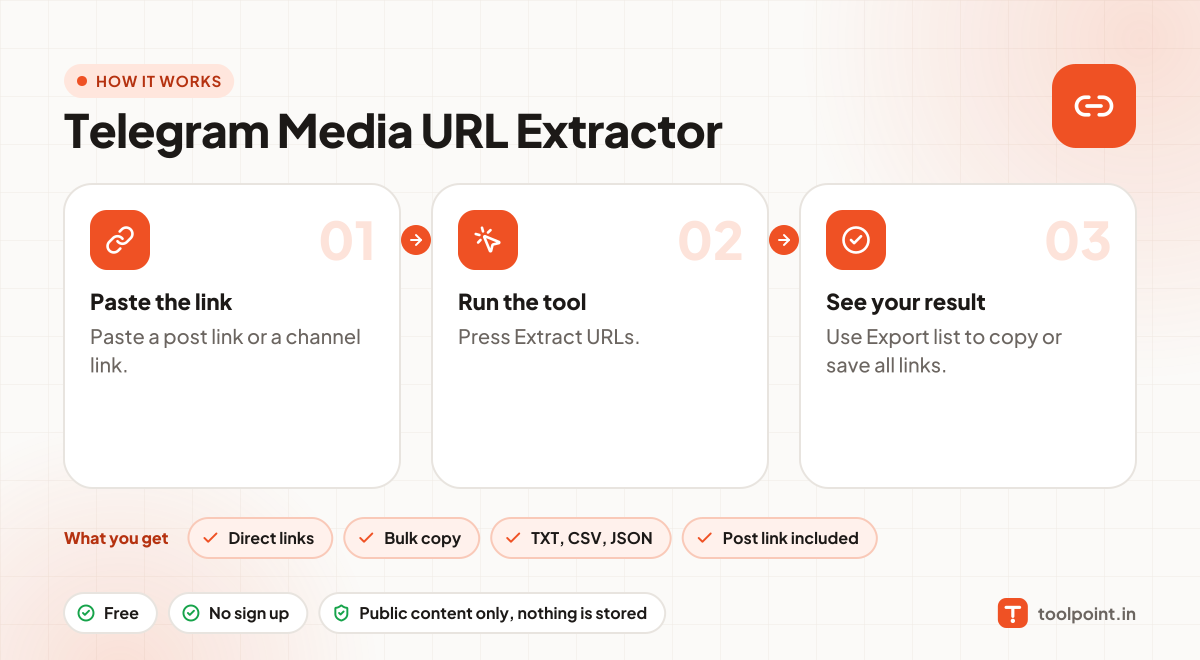
How it works, in one picture

Infographic: how to use the Telegram Media URL Extractor in 3 easy steps: Paste the link, Run the tool and See your result. You get: Direct links, Bulk copy, TXT, CSV, JSON and Post link included.

Frequently asked questions

How long do these links work?
Telegram's file links stay valid for some hours. If an old link stops working, run the tool again to get fresh ones.
Why are there no links for documents?
Telegram does not share document addresses on the public web. The export includes the post link for those instead.
Can I use it for private groups or chats?
No. Only public channels have a web preview. Private groups, chats and channels need a Telegram login, and we never ask for one.
Do you keep the files?
No. Photos and videos go straight from Telegram to your browser. Nothing is saved on our server.

You may also like