What is the Telegram Image Batch Downloader?
Saving photos from Telegram one by one takes forever. Paste a channel link, pick how many recent posts to check, and we collect every photo for you.
All images are ticked for you. Untick the ones you do not want, then press one button to get a ZIP. Each photo is named after its channel and post number.
How to use it
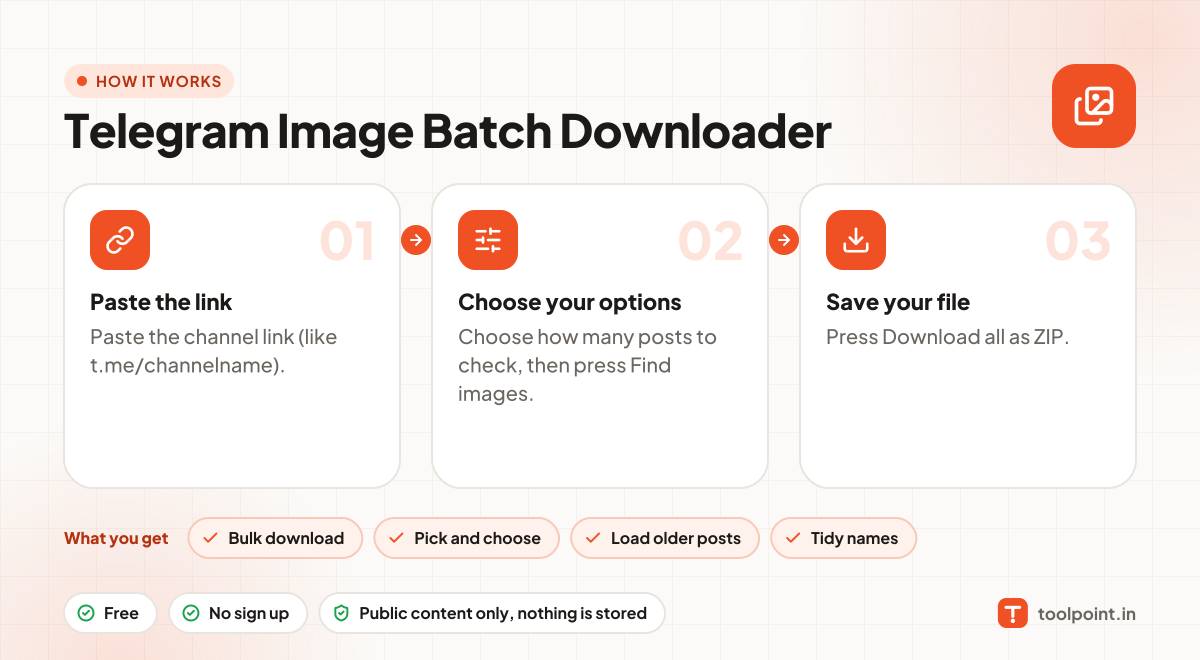
- Paste the channel link (like t.me/channelname).
- Choose how many posts to check, then press Find images.
- Press Download all as ZIP.
Why people like this tool
Bulk download
Hundreds of photos in one ZIP.
Pick and choose
Untick any photo before you save.
Load older posts
Keep going back in the channel history.
Tidy names
Every file is named channel-postnumber.jpg.