What is the Telegram File Type Filter?
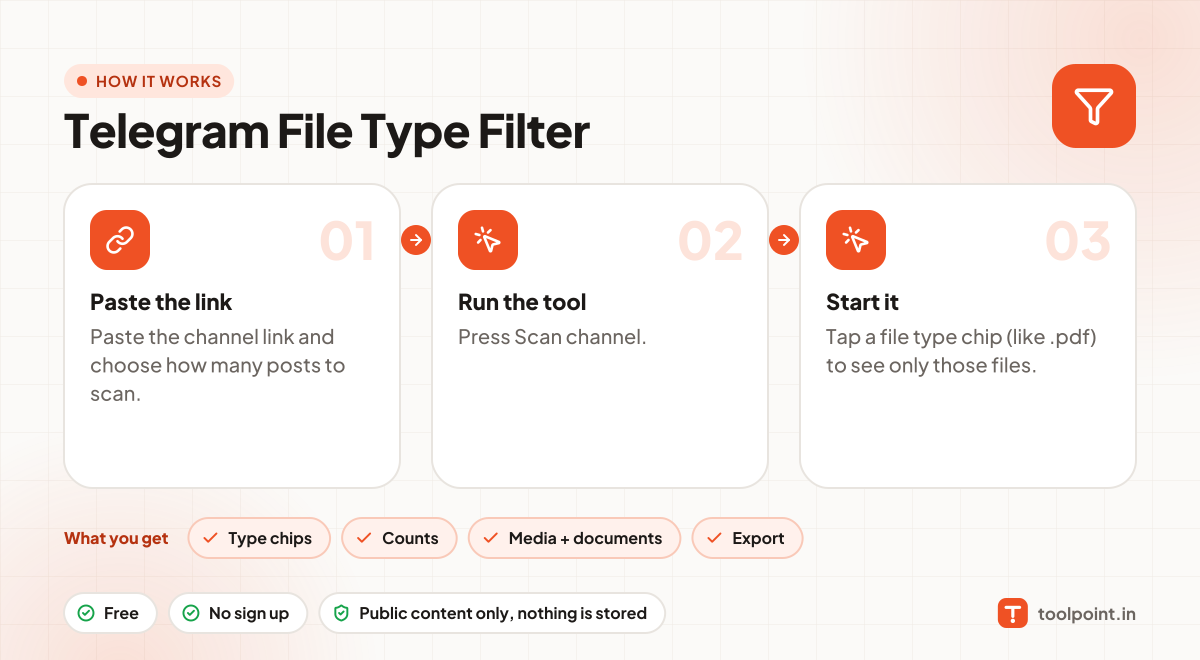
Busy channels mix photos, videos, voice notes and documents. This tool scans the channel and groups everything by file type, like .pdf, .zip, .mp4 or .jpg.
Tap a type to see only those files. Then download the media files, open documents in Telegram, or export the filtered list as CSV.
How to use it
- Paste the channel link and choose how many posts to scan.
- Press Scan channel.
- Tap a file type chip (like .pdf) to see only those files.
Why people like this tool
Type chips
One tap filters by .pdf, .zip, .mp4, .jpg, .ogg and more.
Counts
See how many files of each type the channel shared.
Media + documents
Media downloads directly; documents open in Telegram.
Export
Save the filtered list as CSV or JSON.