Skip to content
Works with Telegram

Telegram Voice Message Saver

Save voice messages from public Telegram posts as audio files. Paste the post link, press one button, and keep the recording forever.

Only public content can be saved. Please download only what you made yourself or have permission to use, and respect the creator's rights.

Something not working? Report a problem

What is the Telegram Voice Message Saver?

A voice message in a public channel can be a lecture, an announcement or a lovely memory. This tool saves it to your phone or computer as an audio file.

Paste the link of the post that has the voice message. You can also paste a channel link to find all the voice messages in its latest posts.

How to use it

  1. Tap and hold the voice message post in Telegram and choose Copy Link.
  2. Paste it here and press Save voice.
  3. Press Download. The file is named after the channel and post.

Why people like this tool

One tap

Paste the link and the recording is ready to save.

Length shown

See how long each voice message is.

Many at once

Save all voice notes from a channel as one ZIP.

Original sound

We save the same file Telegram plays, with no re-recording.
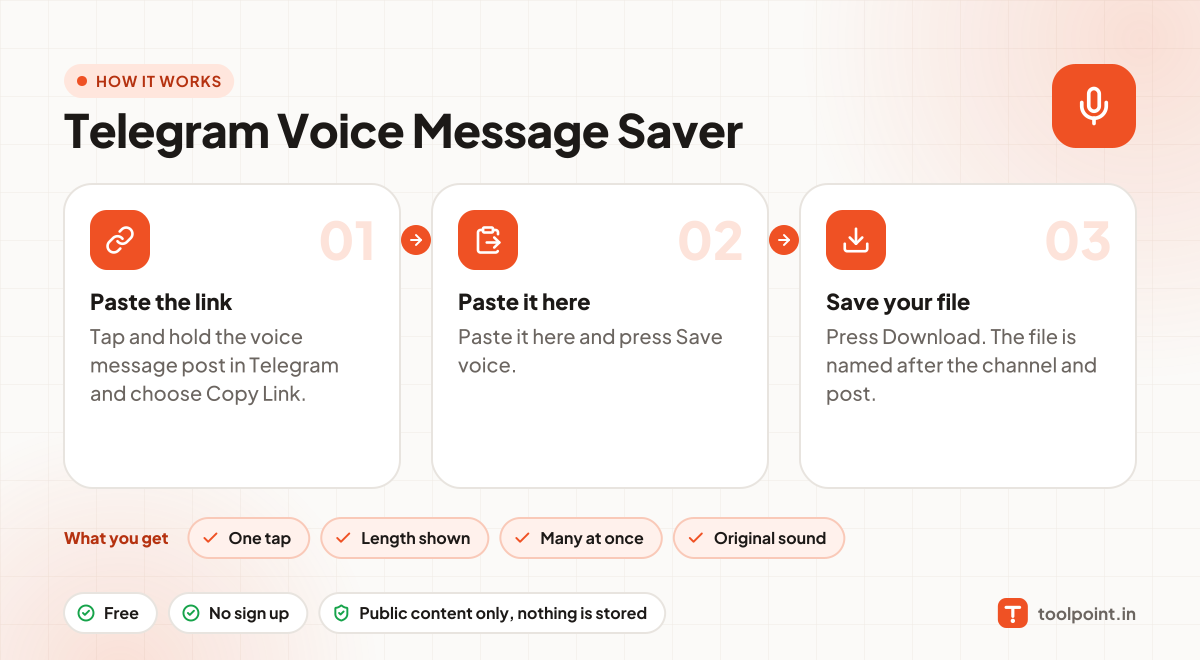
How it works, in one picture

Infographic: how to use the Telegram Voice Message Saver in 3 easy steps: Paste the link, Paste it here and Save your file. You get: One tap, Length shown, Many at once and Original sound.

Frequently asked questions

Which app plays the file?
The file is .ogg (Opus). VLC, Chrome, Firefox and Android play it. On iPhone, open it with VLC.
Can I save voice messages from my private chats?
No. Private chats are not on the public web. Inside Telegram Desktop you can right-click a voice message and choose Save As.
Can I use it for private groups or chats?
No. Only public channels have a web preview. Private groups, chats and channels need a Telegram login, and we never ask for one.
Do you keep the files?
No. Photos and videos go straight from Telegram to your browser. Nothing is saved on our server.

You may also like