What is the Telegram Post Downloader?
Found something useful in a public Telegram channel? Copy the post link (it looks like t.me/channel/123) and paste it here. We show every photo, video, GIF and voice message in that post, ready to download.
Each file gets a tidy name like channel-123.jpg, so your downloads folder stays organised. If the post is an album, you can save all of its files together as one ZIP.
How to use it
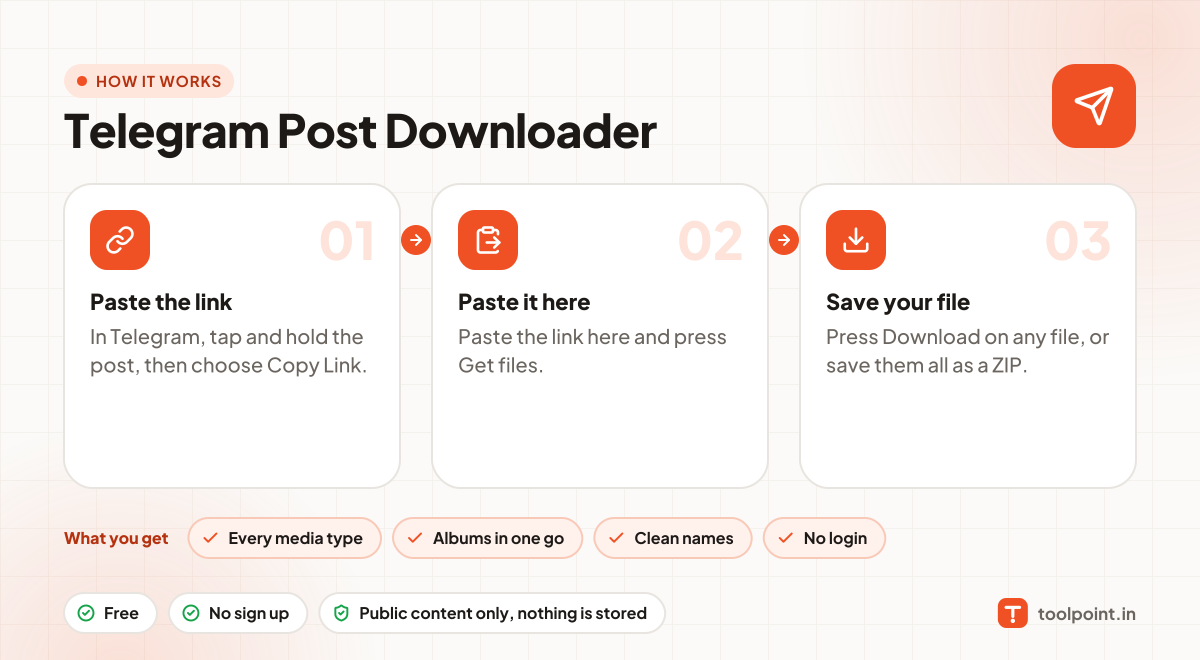
- In Telegram, tap and hold the post, then choose Copy Link.
- Paste the link here and press Get files.
- Press Download on any file, or save them all as a ZIP.
Why people like this tool
Every media type
Photos, videos, GIFs, round videos and voice messages.
Albums in one go
Posts with many photos are saved together in one ZIP.
Clean names
Files are named after the channel and post number.
No login
Works with the public web preview. No Telegram account needed.