Skip to content
Works with Telegram

Telegram GIF Downloader

Save GIFs from public Telegram posts and channels. Telegram stores GIFs as small looping MP4 files, which work almost everywhere.

Only public content can be saved. Please download only what you made yourself or have permission to use, and respect the creator's rights.

Something not working? Report a problem

What is the Telegram GIF Downloader?

Telegram turns every GIF into a small, looping MP4 video to save data. This tool finds those GIFs in a post or channel and saves them for you.

MP4 GIFs are smaller and sharper than old .gif files, and WhatsApp, Instagram and most apps accept them. Save one or a whole bunch as a ZIP.

How to use it

  1. Paste a post or channel link.
  2. Press Find GIFs.
  3. Download the ones you like, or all of them as a ZIP.

Why people like this tool

Loops kept

The same animation Telegram plays.

Small files

MP4 GIFs are much smaller than .gif files.

From whole channels

Check up to 200 recent posts.

ZIP many

Save a full GIF collection at once.
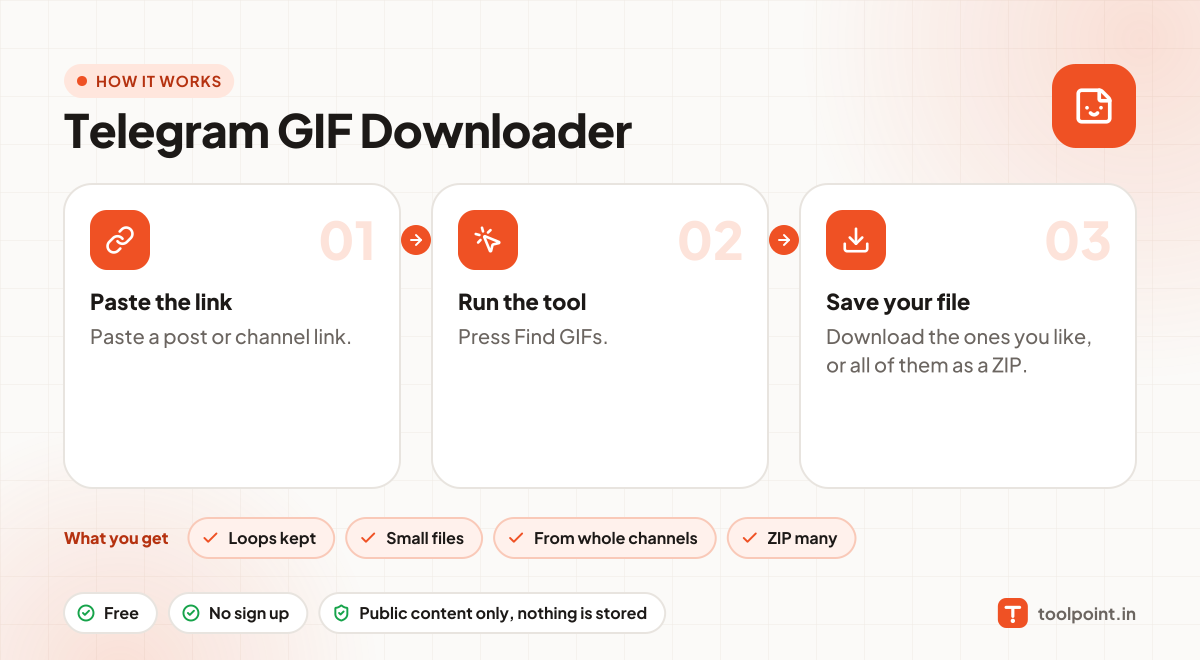
How it works, in one picture

Infographic: how to use the Telegram GIF Downloader in 3 easy steps: Paste the link, Run the tool and Save your file. You get: Loops kept, Small files, From whole channels and ZIP many.

Frequently asked questions

Why is my GIF an MP4 file?
Telegram itself stores GIFs as MP4. It looks and loops the same. If you need a real .gif file, any GIF converter can change it.
Can I share it on WhatsApp?
Yes. WhatsApp accepts MP4 files and can show them as GIFs.
Can I use it for private groups or chats?
No. Only public channels have a web preview. Private groups, chats and channels need a Telegram login, and we never ask for one.
Do you keep the files?
No. Photos and videos go straight from Telegram to your browser. Nothing is saved on our server.

You may also like