Skip to content
Works with Telegram

Telegram Album Downloader

Download every photo and video in a public Telegram album post as one ZIP file. Paste the post link and save the whole album in one click.

Try:

Only public content can be saved. Please download only what you made yourself or have permission to use, and respect the creator's rights.

Something not working? Report a problem

What is the Telegram Album Downloader?

When a post has many photos or videos grouped together, that is an album. Saving each item by hand is slow. Paste the post link and we collect the whole album.

All items are selected for you. Press one button to download them together as a ZIP, with the files in the same order as the post.

How to use it

  1. Copy the link of the album post from Telegram.
  2. Paste it here and press Get album.
  3. Press Download all as ZIP.

Why people like this tool

Whole album

Photos and videos from the post together.

Same order

Files keep the order they have in the post.

One ZIP

One click, one file.

Pick items

Untick anything you do not need.
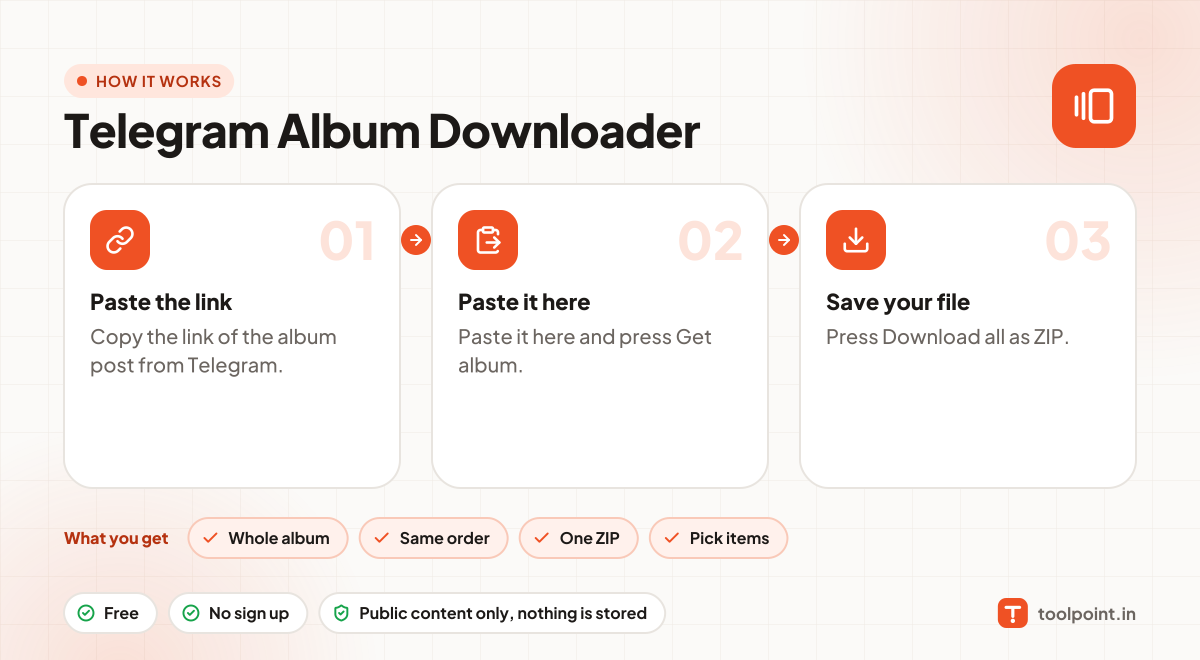
How it works, in one picture

Infographic: how to use the Telegram Album Downloader in 3 easy steps: Paste the link, Paste it here and Save your file. You get: Whole album, Same order, One ZIP and Pick items.

Frequently asked questions

I pasted a link to one photo of the album. Is that okay?
Yes. Any link from the album works, we load the full album.
Some videos say "too big". Why?
Telegram does not put large videos on its public web page. Those can only be saved inside the Telegram app. We show them in the list so you know they exist.
Can I use it for private groups or chats?
No. Only public channels have a web preview. Private groups, chats and channels need a Telegram login, and we never ask for one.
Do you keep the files?
No. Photos and videos go straight from Telegram to your browser. Nothing is saved on our server.

You may also like