Skip to content
SVG Converters

Image to SVG Converter

Trace a PNG or JPG into a sharp SVG vector. Pick colours, detail and smoothing, and see the result at once. Your picture is never uploaded.

Colours

Mode

Shapes

Your picture

Your original picture

Add a picture to start.

Traced SVG

Your picture traced as a vector SVG

The vector shows here.

Tip: logos, icons and drawings with flat colours trace best. Photos become a poster-like picture.

Something not working? Report a problem

What is the Image to SVG Converter?

A vector picture stays sharp at any size and is easy to edit. Drop a logo, icon or drawing here and the tool traces its edges into SVG shapes.

Choose colour, grey or black and white. Set the number of colours, how much detail to keep, and how smooth the curves should be. Flat logos and drawings trace best, and photos turn into a poster-like picture. The work is done in your browser, so your picture stays private.

How to use it

  1. Drop a PNG or JPG in the box.
  2. Pick colour mode, number of colours and detail.
  3. Press Download SVG when it looks right.

Why people like this tool

Colour modes

Colour, grey or black and white.

Smooth curves

Sharp corners stay sharp.

Live preview

See the vector next to your picture.

Private

Your picture never leaves your device.
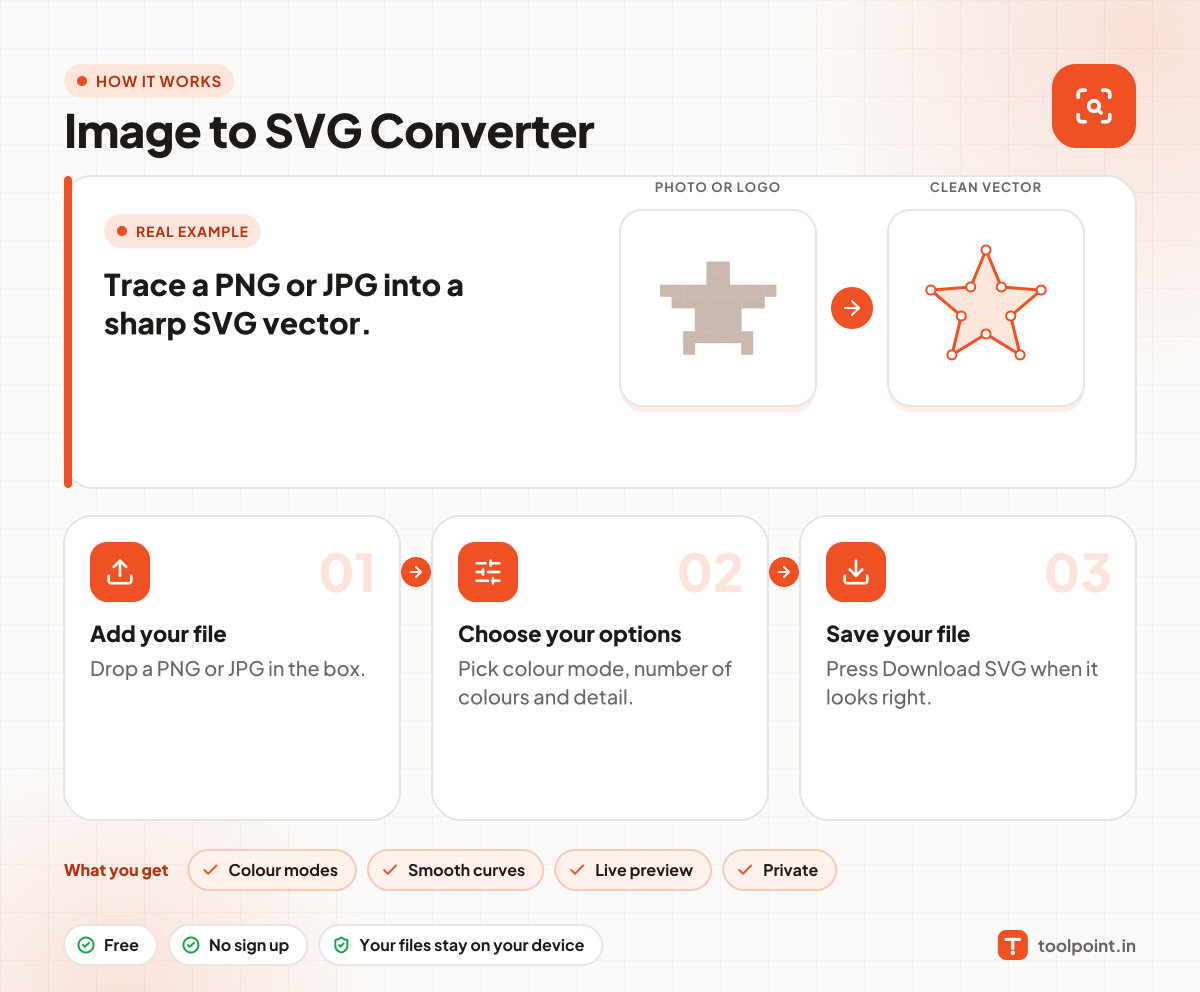
How it works, in one picture

Infographic: how to use the Image to SVG Converter in 3 easy steps: Add your file, Choose your options and Save your file. You get: Colour modes, Smooth curves, Live preview and Private.

Frequently asked questions

How do I convert PNG to SVG?
Drop the PNG in the box. The traced SVG shows next to it. Change the settings until it looks right, then press Download SVG.
Which pictures trace best?
Logos, icons, signs and drawings with flat colours. Photos work, but become a poster-like picture with fewer colours.
How do I get a smaller SVG file?
Use fewer colours, lower the detail, and raise "Remove tiny specks".
Can I make a black and white logo?
Choose Black and white, then slide the level until the shape looks right.
Is my picture uploaded?
No. It is traced inside your browser.

You may also like