What is the Lottie to Animated SVG Converter?
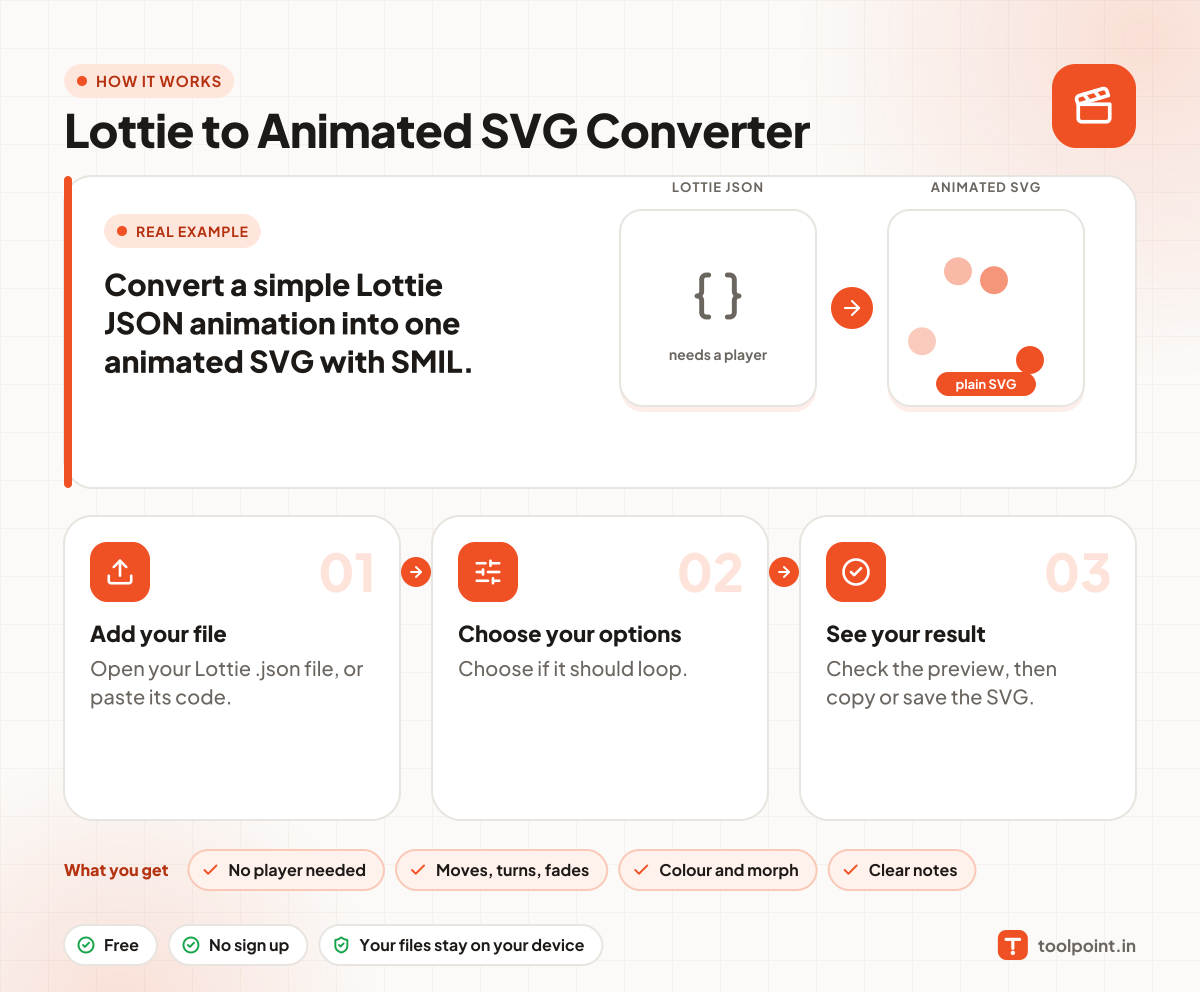
Lottie animations need a player library on your page. A plain animated SVG needs nothing, and it works in an img tag, a CSS background and a README. Open your Lottie JSON and get one self-contained SVG.
It converts shape layers (paths, rectangles, ellipses and stars) with moving, turning, scaling and fading, colour changes and shape morphs. Effects, masks, mattes, text and images are not supported, and the tool tells you which ones were left out. Simple icons and loaders convert best.
How to use it
- Open your Lottie .json file, or paste its code.
- Choose if it should loop.
- Check the preview, then copy or save the SVG.
Why people like this tool
No player needed
One SVG, plain SMIL animation.
Moves, turns, fades
Position, rotation, scale and opacity.
Colour and morph
Colour changes and shape morphs.
Clear notes
Lists what was left out.