Skip to content
SVG Animation Tools

SVG Hover Animation Generator

Add hover animations to an SVG icon: bounce, pulse, shake, rotate, flip, colour change and more. Copy plain CSS and HTML. Free, with a live preview.

Choose an icon

Paste SVG code, or open or drop an .svg file. It stays on your device.

Animation

When

Change

Repeat

Pivot point

Your picture shows here.

Move your mouse over the icon above to see the effect. The code uses plain CSS, so there is nothing to install.

See the HTML and CSS


Something not working? Report a problem

What is the SVG Hover Animation Generator?

A small hover effect makes an icon feel alive. Pick an icon or paste your own SVG, choose an effect, and move your mouse over it to see it work.

You get fifteen effects, including bounce, heartbeat, shake, spin, flip, grow, colour change and line drawing. Choose when it plays (hover, a parent hover, click or always), the time and the easing. The code is plain CSS with no library, and it respects the reduced motion setting.

How to use it

  1. Pick an icon or paste your own SVG.
  2. Choose the effect, the time and when it plays.
  3. Copy the HTML and CSS.

Why people like this tool

15 effects

Bounce, pulse, shake, spin and more.

Plain CSS

No library, no JavaScript.

Any trigger

Hover, parent hover, click or always.

Kind to users

Respects reduced motion.
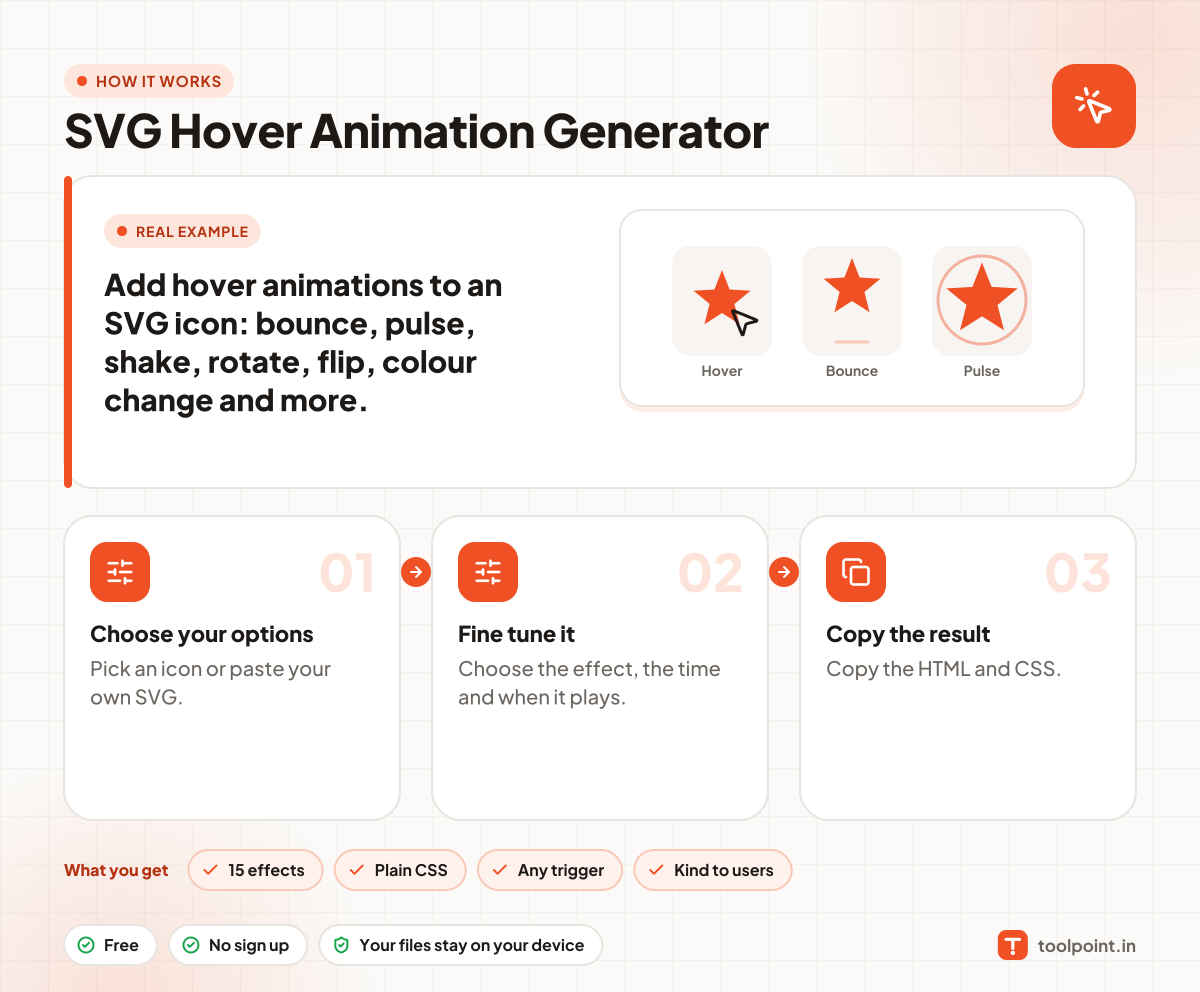
How it works, in one picture

Infographic: how to use the SVG Hover Animation Generator in 3 easy steps: Choose your options, Fine tune it and Copy the result. You get: 15 effects, Plain CSS, Any trigger and Kind to users.

Frequently asked questions

How do I animate an SVG icon on hover?
Pick an effect and copy the HTML and CSS. Paste both in your page. The icon animates when the mouse is over it.
What does "When a parent is hovered" mean?
The icon animates when the visitor hovers over the link or button around it, not just the icon.
Why does Draw the lines do nothing?
It needs an outline icon with a stroke. Filled icons have no line to draw. Try the Tick or Arrow outline icons.
Is it good for accessibility?
We add a prefers-reduced-motion rule, so people who turn off motion on their device will not see the animation.

You may also like