Skip to content
Website File Downloaders

Security.txt Downloader & Checker

Download a website's security.txt and check it. See the security contact, expiry date, policy and PGP key, and find missing fields.

Try:

Something not working? Report a problem

What is the Security.txt Downloader & Checker?

security.txt is a small file that tells people how to report a security problem on a website. It is an official standard (RFC 9116) and lives at example.com/.well-known/security.txt.

Our tool looks in both allowed places, downloads the file, and lists each field in a table. It also checks the two required fields, Contact and Expires, and warns you if the file has already expired.

How to use it

  1. Type or paste the website address, like example.com. You can also paste the full link to the file.
  2. Press the button. We look for /.well-known/security.txt in the right place on that website. If it is not there, we also check /security.txt.
  3. Read the simple summary to see what the file says.
  4. Press Download to save the file, or Copy text to paste it anywhere.

Why people like this tool

Expiry check

We read the Expires date and tell you if the file is out of date.

Required fields

Warnings if Contact or Expires is missing.

All fields listed

Contact, Encryption, Policy, Acknowledgments, Hiring and more.

PGP detection

See if the file is signed with a PGP key.
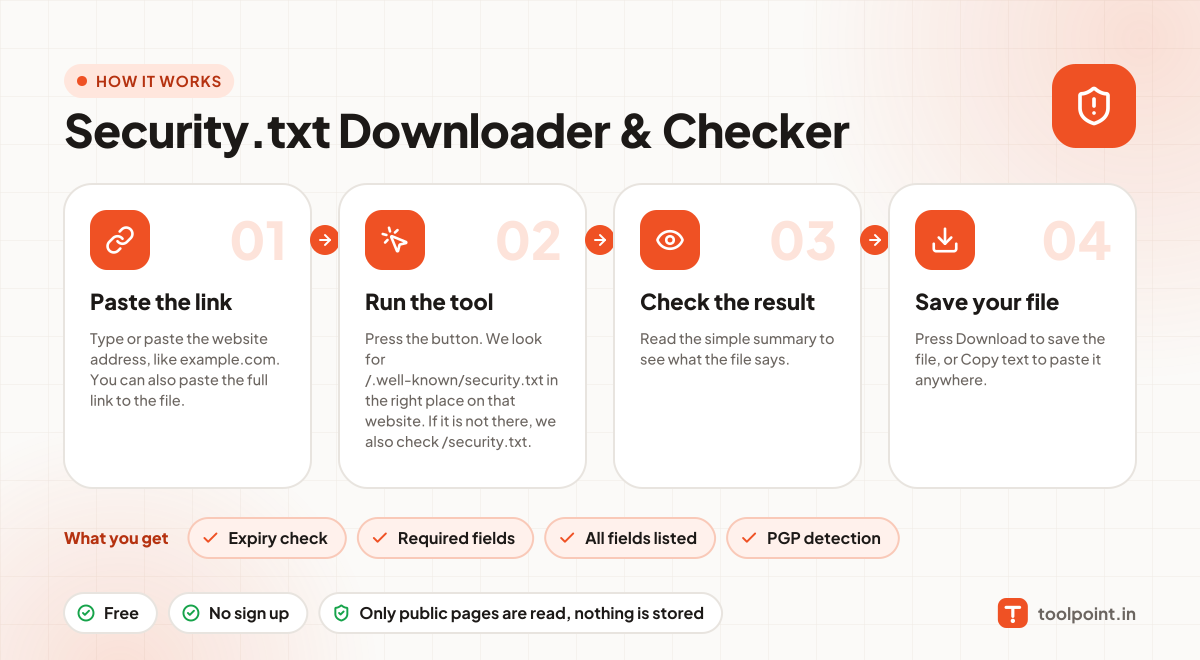
How it works, in one picture

Infographic: how to use the Security.txt Downloader & Checker in 4 easy steps: Paste the link, Run the tool, Check the result and Save your file. You get: Expiry check, Required fields, All fields listed and PGP detection.

Frequently asked questions

Why should my site have security.txt?
If someone finds a security bug on your site, they need to know who to tell. Without this file, they may give up or post it in public.
What fields are required?
Only two: Contact (an email or link) and Expires (a date in the future). Other fields are optional.
How long should the expiry date be?
The standard suggests less than one year from now, so the details are checked and kept fresh.
Where exactly should the file be?
The main place is /.well-known/security.txt. Some sites also copy it to /security.txt.

You may also like