What is the LLMs-full.txt Downloader?
Some websites share a bigger file called llms-full.txt. While llms.txt only lists links, llms-full.txt puts the full text of the docs in one single file. This makes it easy to give a whole website's documentation to an AI chat in one go.
These files can be very large. Our tool downloads the file, shows the number of words, a rough token count and the main headings, so you know what you are getting before you use it.
How to use it
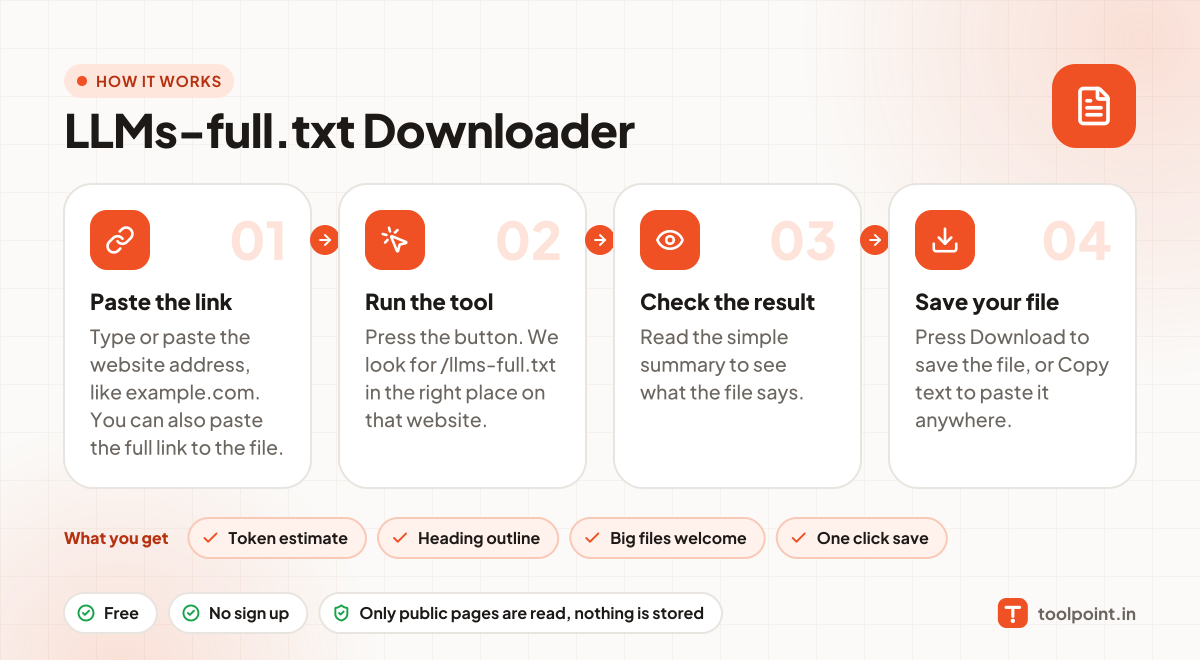
- Type or paste the website address, like
example.com. You can also paste the full link to the file. - Press the button. We look for
/llms-full.txtin the right place on that website. - Read the simple summary to see what the file says.
- Press Download to save the file, or Copy text to paste it anywhere.
Why people like this tool
Token estimate
Know roughly how many AI tokens the file uses before you paste it into a chat.
Heading outline
See all main headings to understand what the file covers.
Big files welcome
Files up to 8 MB are supported. Large files are shown as a preview and saved in full.
One click save
Download the complete file as a .txt with the website name in it.
How to use a big llms-full.txt
- Check the word count and token estimate on this page first.
- If the file is larger than your AI chat can take, copy only the headings you need.
- Paste the text into your chat and ask a question about it.
As a rough rule, one token is about four letters of English text, so 1,000 words are around 1,300 tokens.