What is the OpenSearch XML Downloader?
An OpenSearch file lets your browser add a website's own search box to the address bar. The site links to it from the page head with rel="search".
Our tool reads the homepage, follows that link, and downloads the XML file. We show you the short name, the description and the exact search URL template, so you can add it to your browser or copy the setup for your own site.
How to use it
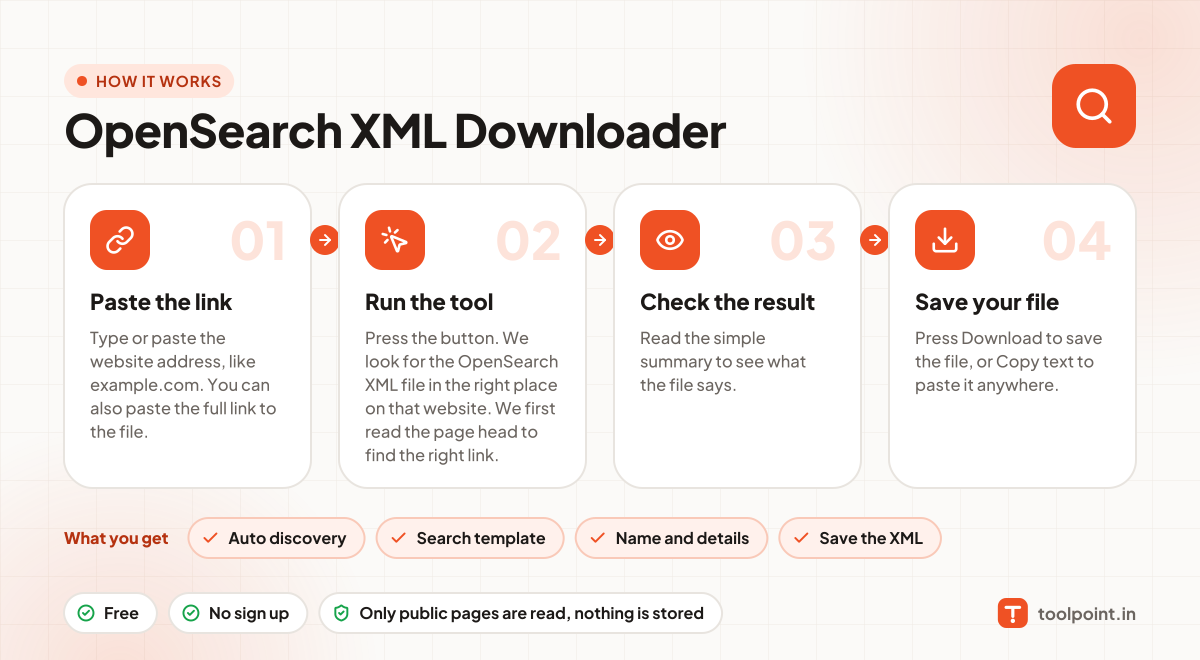
- Type or paste the website address, like
example.com. You can also paste the full link to the file. - Press the button. We look for
the OpenSearch XML filein the right place on that website. We first read the page head to find the right link. - Read the simple summary to see what the file says.
- Press Download to save the file, or Copy text to paste it anywhere.
Why people like this tool
Auto discovery
Follows the rel="search" link, just like a browser does.
Search template
See the {searchTerms} URL the site uses for searching.
Name and details
Short name, description and more in plain words.
Save the XML
Download a copy to learn from or reuse the format.