Skip to content
Website File Downloaders

Ads.txt Downloader & Checker

Download any website's ads.txt file and see every ad seller in a table. Count DIRECT and RESELLER lines and spot format mistakes.

Try:

Something not working? Report a problem

What is the Ads.txt Downloader & Checker?

ads.txt (Authorized Digital Sellers) is a file that website owners use to say which companies are allowed to sell ads on their site. It lives at example.com/ads.txt. Google AdSense and other ad networks check it to stop fake ad sellers.

With this tool you can download the file of any website and read it easily. Each line becomes a row with the ad system, publisher ID and relationship type. It is useful for bloggers setting up AdSense, and for ad teams checking partners.

How to use it

  1. Type or paste the website address, like example.com. You can also paste the full link to the file.
  2. Press the button. We look for /ads.txt in the right place on that website.
  3. Read the simple summary to see what the file says.
  4. Press Download to save the file, or Copy text to paste it anywhere.

Why people like this tool

Easy table

Ad system, publisher ID, DIRECT or RESELLER and certification ID for every line.

Quick counts

See the total records, how many are DIRECT, how many are RESELLER and how many ad systems.

Finds errors

Lines that break the ads.txt format are counted and reported.

Variables shown

CONTACT, OWNERDOMAIN, MANAGERDOMAIN and other variables listed separately.
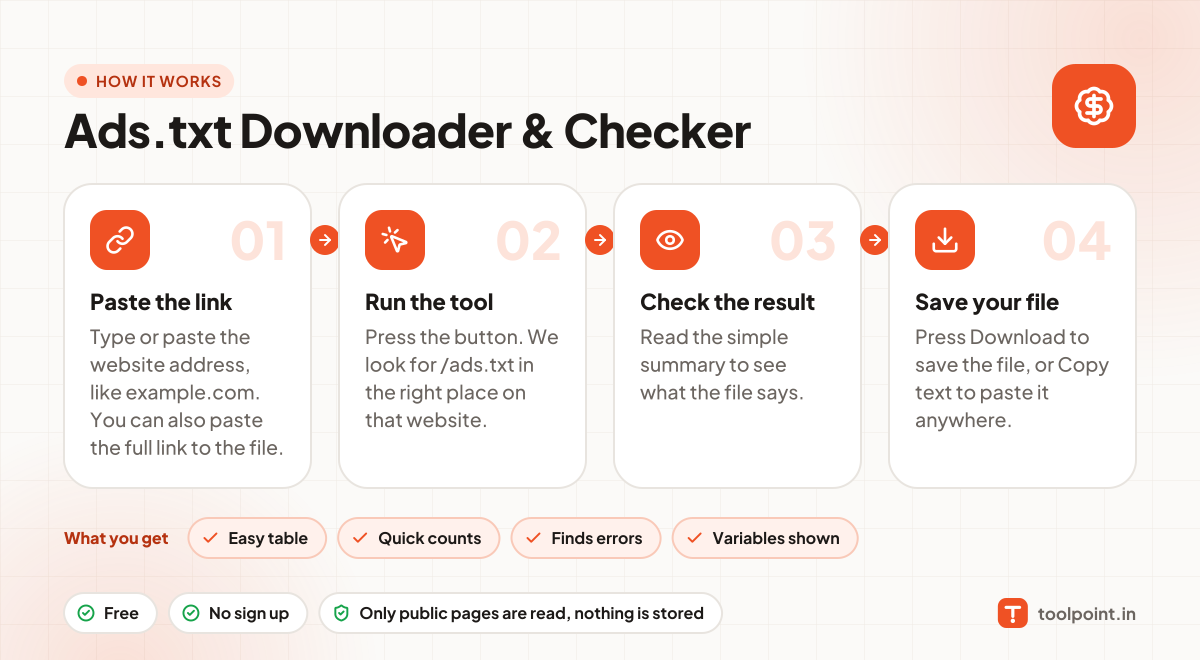
How it works, in one picture

Infographic: how to use the Ads.txt Downloader & Checker in 4 easy steps: Paste the link, Run the tool, Check the result and Save your file. You get: Easy table, Quick counts, Finds errors and Variables shown.

Frequently asked questions

What is the difference between DIRECT and RESELLER?
DIRECT means the website owner controls that ad account themselves. RESELLER means another company sells the ads on the owner's behalf.
Where should my ads.txt file be?
It must be at the root of your main domain, like yoursite.com/ads.txt. Not inside a folder.
What does a Google AdSense line look like?
It looks like google.com, pub-0000000000000000, DIRECT, f08c47fec0942fa0. Use your own publisher ID from your AdSense account.
Why does AdSense say "ads.txt not found" after I added it?
Google can take a few days to check again. Also make sure the file opens in a browser and is not blocked or redirected.

You may also like