Skip to content
Works with Apple Podcasts

Podcast Downloader

Search any podcast by name, pick the show and download its episodes as MP3. No feed link needed, and no app or account required.

Try:

Only public content can be saved. Please download only what you made yourself or have permission to use, and respect the creator's rights.

Something not working? Report a problem

What is the Podcast Downloader?

Just type the name of a podcast. We search Apple's public podcast directory and show matching shows with their cover art and number of episodes.

Tap a show to see all its episodes, then download the ones you want. You can also paste a feed or Apple Podcasts link directly if you already have one.

How to use it

  1. Type the podcast name and press Search.
  2. Tap the right show in the results.
  3. Download episodes one by one, or tick many and save them as a ZIP.

Why people like this tool

Search by name

Millions of shows from Apple's podcast directory.

Cover art

Easily spot the right show.

Every episode

Dates, lengths and sizes for each one.

Batch save

Tick many episodes and save them together.
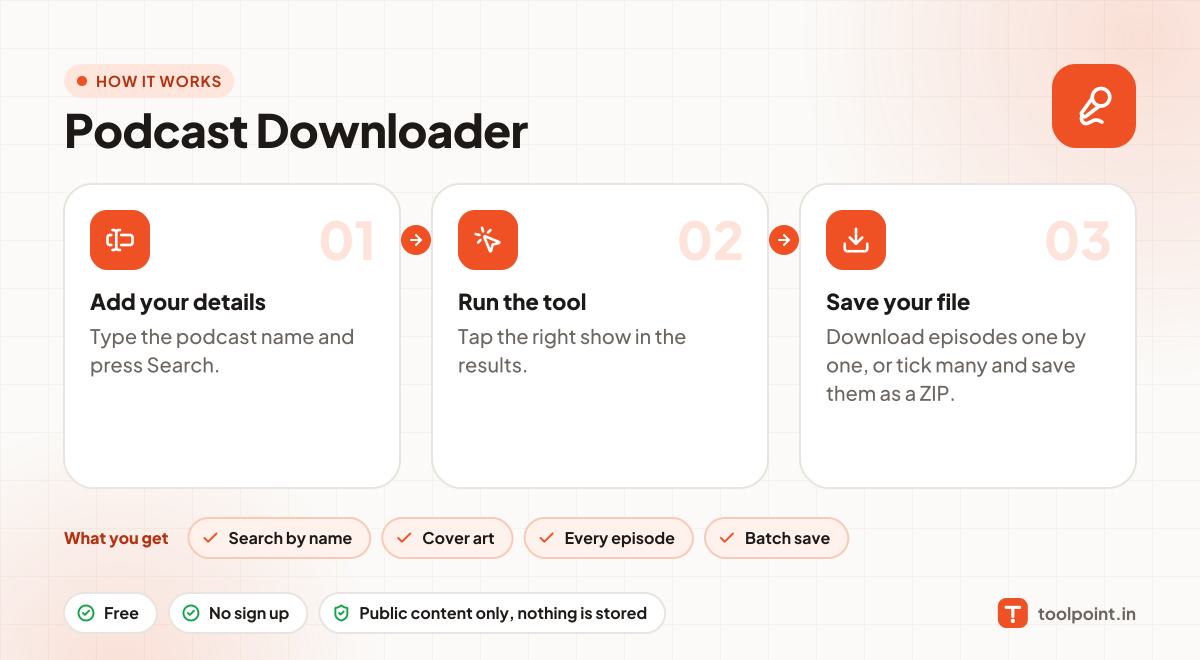
How it works, in one picture

Infographic: how to use the Podcast Downloader in 3 easy steps: Add your details, Run the tool and Save your file. You get: Search by name, Cover art, Every episode and Batch save.

Frequently asked questions

Does it work with Spotify podcasts?
No. Spotify does not share its podcast files publicly. Many shows are also on Apple Podcasts, which works here.
I cannot find my podcast.
Try a shorter name or the host's name. If the show is only on Spotify or YouTube, it will not be listed.
Is it okay to download episodes?
Yes, podcasts publish their feeds so people can download episodes to listen. Do not re-upload or sell them.
Is there a limit?
No limit for normal use. Very large ZIPs need a lot of memory, so save big batches in parts.

You may also like