Skip to content
Batch Downloaders

Audio Link Batch Downloader

Paste many audio links (MP3, M4A, OGG, SoundCloud, voice notes and more) and download them all together as a ZIP or one by one.

Try:

Only public content can be saved. Please download only what you made yourself or have permission to use, and respect the creator's rights.

Something not working? Report a problem

What is the Audio Link Batch Downloader?

Paste a list of audio links, one per line. We check each one and collect the sound files: MP3, M4A, AAC, OGG, WAV, FLAC and more.

Links to SoundCloud tracks, Vimeo videos (sound only), Reddit videos (sound only) and Telegram voice messages work too. Save everything in one ZIP.

How to use it

  1. Paste your audio links, one per line.
  2. Press Check links.
  3. Save them all as a ZIP or one by one.

Why people like this tool

All audio formats

MP3, M4A, AAC, OGG, OPUS, WAV and FLAC.

Site links

SoundCloud, Vimeo, Reddit and Telegram links too.

Link report

See why any link could not be saved.

One ZIP

Your whole list in one file.
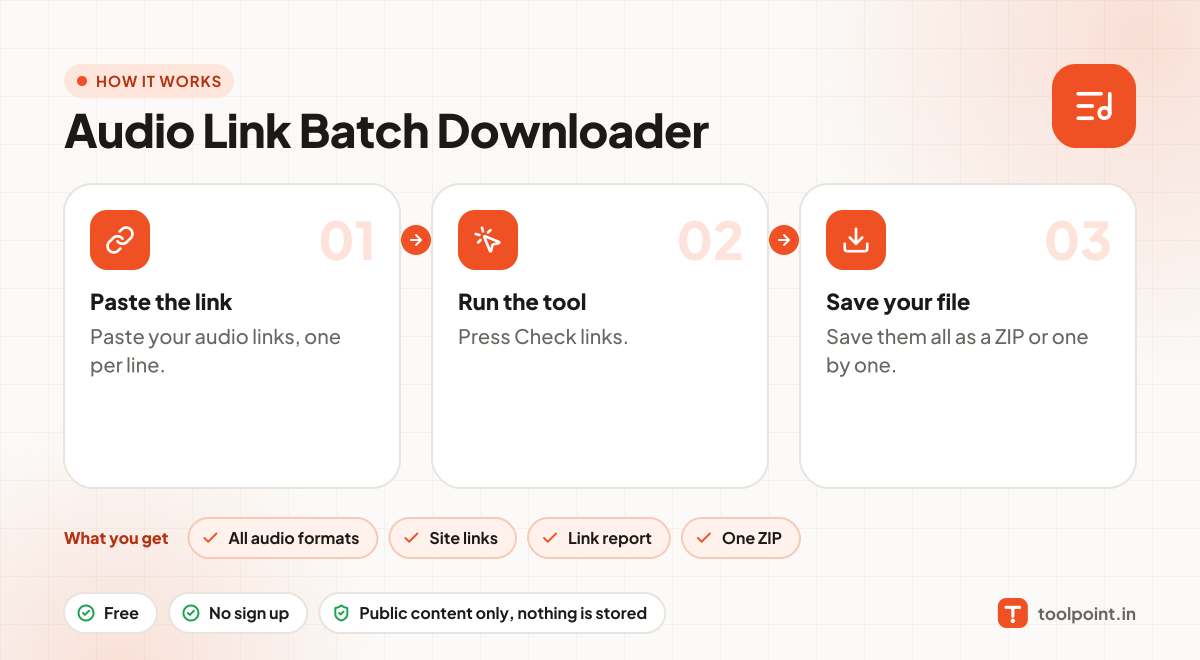
How it works, in one picture

Infographic: how to use the Audio Link Batch Downloader in 3 easy steps: Paste the link, Run the tool and Save your file. You get: All audio formats, Site links, Link report and One ZIP.

Frequently asked questions

What if some links fail?
Every link gets a line in the report with a simple reason, like "file not found" or "this is a webpage, not a file". The others still download.
How big can the ZIP be?
The ZIP is built in your browser, so it depends on your device. A few hundred MB works well. For very large batches, use "One by one".
Can I paste podcast feeds here?
For feeds, use the RSS Media Batch Downloader, which reads whole feeds.
Do you keep the files?
No. Files pass straight to your device. Nothing is stored on our server.

You may also like