Skip to content
Case Converters

Case Converter

Change text to sentence case, lower case, UPPER CASE, Capitalized Case, Title Case, aLtErNaTiNg or iNVERSE case in one click. Free and private.

Something not working? Report a problem

What is the Case Converter?

Typed a long line with Caps Lock on? Need a heading in Title Case? Paste your text and pick a style. The case changes as you type, and nothing is sent to a server.

You get seven styles in one place: Sentence case, lower case, UPPER CASE, Capitalized Case, Title Case, aLtErNaTiNg case and iNVERSE case. Switch between them with one click and copy the one you like.

How to use it

  1. Type or paste your text in the left box.
  2. Pick a style: sentence, lower, UPPER, Title and more.
  3. Copy the result or save it as a text file.

Why people like this tool

7 case styles

Sentence, lower, upper, capitalized, title, alternating and inverse.

Live result

The text changes as you type. No button to press.

Private

Your text never leaves your browser.

Copy or save

One click to copy, or save as a .txt file.
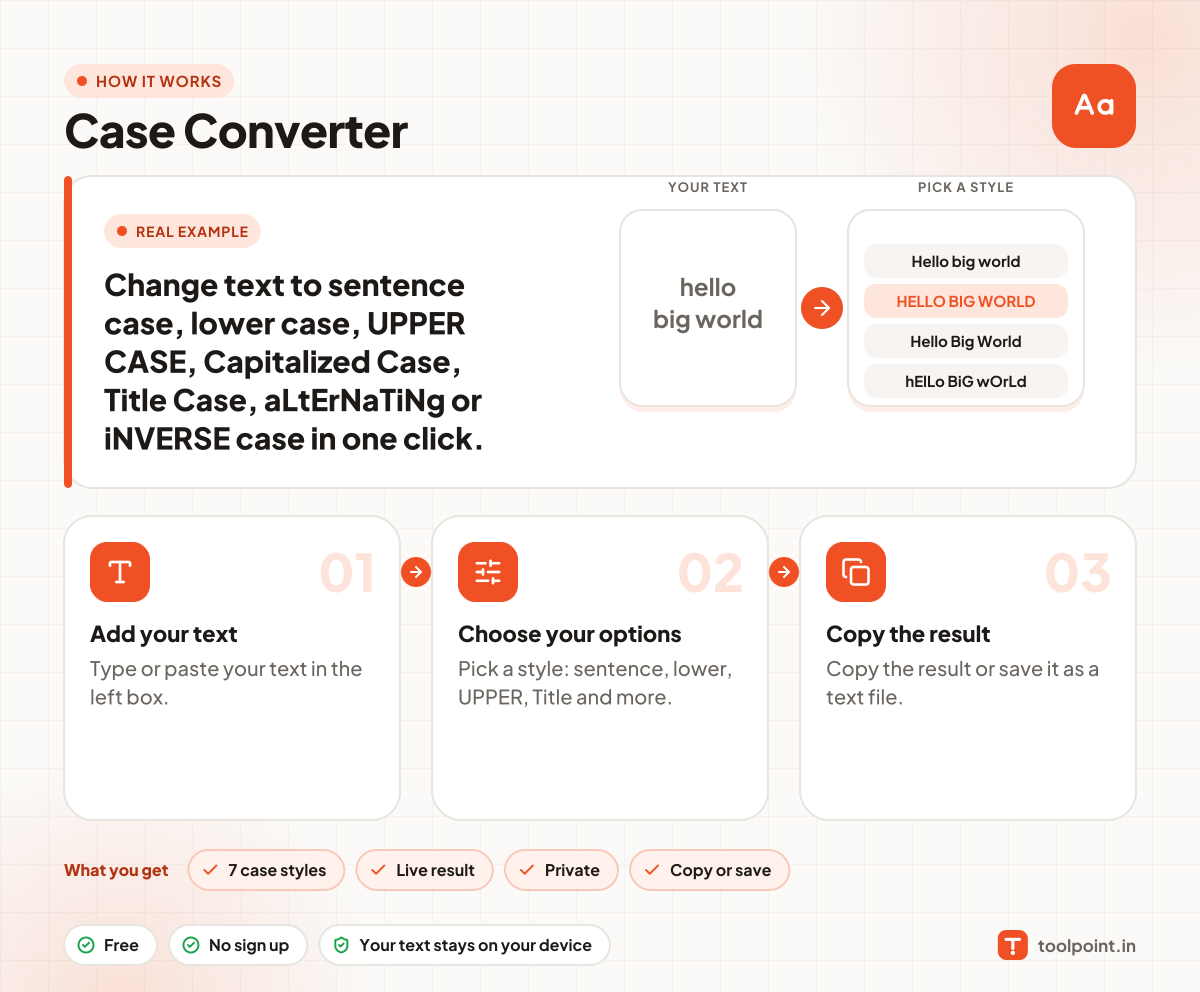
How it works, in one picture

Infographic: how to use the Case Converter in 3 easy steps: Add your text, Choose your options and Copy the result. You get: 7 case styles, Live result, Private and Copy or save.

Frequently asked questions

What is the difference between Title Case and Capitalized Case?
Capitalized Case makes the first letter of every word big. Title Case also keeps small words like "of", "and" and "the" in lower case, the way headings are written.
Does it work with Hindi or other languages?
Hindi has no upper or lower case, so those letters stay the same. Accented letters like é or ñ change correctly.
Is my text saved anywhere?
No. The change happens inside your browser. We never see your text.
Is there a limit on text size?
No fixed limit. Very long text of a few lakh letters may take a moment.

You may also like