Skip to content
Encoders & Ciphers

Morse Code Translator

Translate text to Morse code and Morse back to text. Play the sound to hear the dots and dashes. Free online Morse code translator.

Something not working? Report a problem

What is the Morse Code Translator?

Morse code writes letters as short and long signals: dots and dashes. It was used in telegraph, radio and ships, and it is still popular for puzzles and learning.

Type a message to get Morse, or paste Morse to read it. Letters are separated by a space and words by a slash. Press Play to hear it.

How to use it

  1. Pick Encode (text to Morse) or Decode.
  2. Type or paste in the left box.
  3. Press Play sound to hear it, or copy the result.

Why people like this tool

Both ways

Text to Morse, and Morse to text.

Play the sound

Hear the dots and dashes.

Numbers and signs

Covers A to Z, 0 to 9 and common signs.

Copy and save

Take the result anywhere.
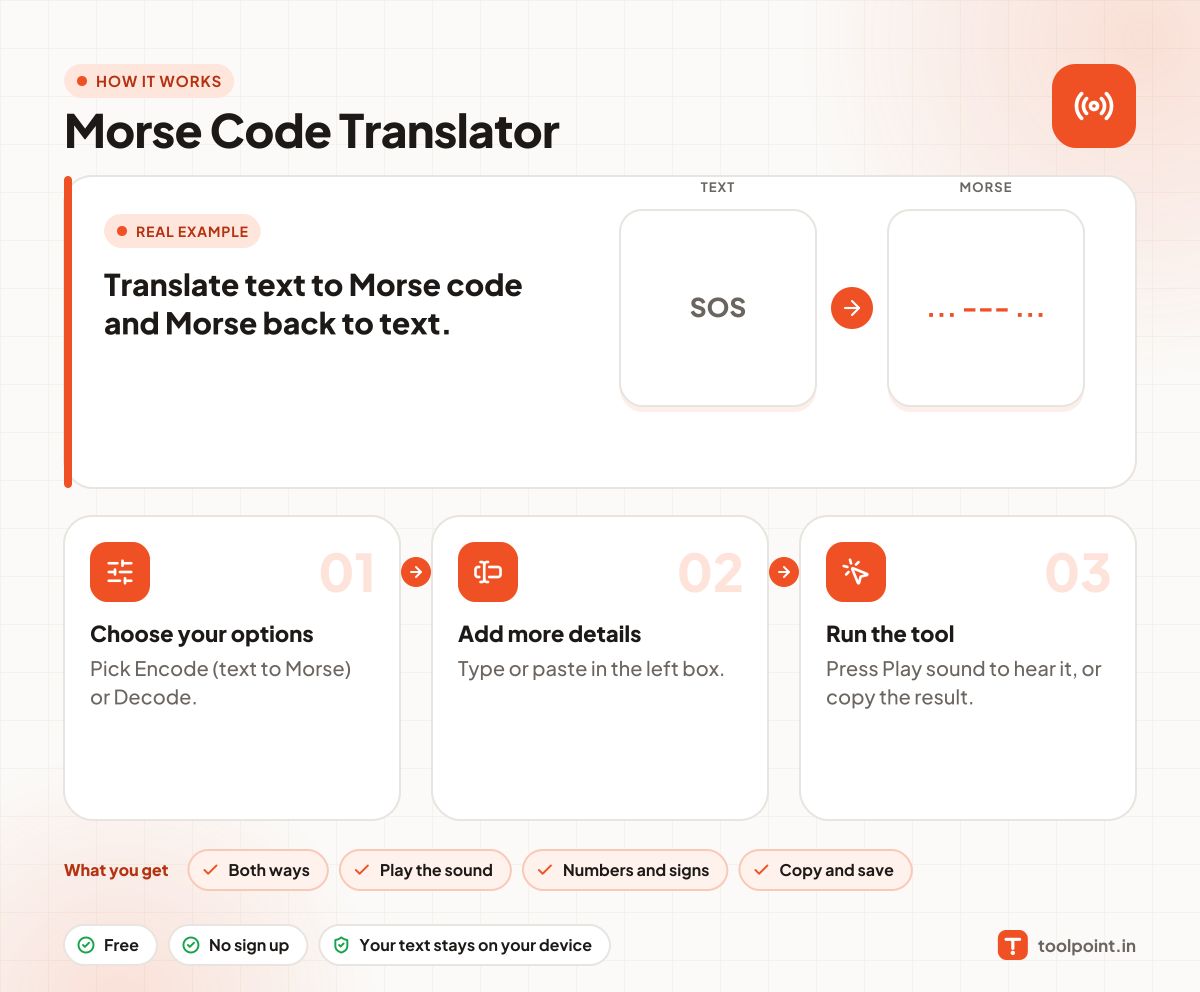
How it works, in one picture

Infographic: how to use the Morse Code Translator in 3 easy steps: Choose your options, Add more details and Run the tool. You get: Both ways, Play the sound, Numbers and signs and Copy and save.

Frequently asked questions

How do I write in Morse code?
Each letter has its own pattern of dots and dashes, for example S is three dots (...) and O is three dashes (---). Type your text and the tool does the rest.
How do I separate letters and words?
Use one space between letters and a slash (/) between words, like ".... . .-.. .-.. --- / .-- --- .-. .-.. -.."
What does SOS look like?
It is ... --- ... and means a call for help.
Does it work with Hindi?
No. Standard Morse code covers English letters, numbers and common signs.

You may also like