Skip to content
Encoders & Ciphers

Binary Code Translator

Translate text to binary code (0 and 1) and binary back to text. Supports Hindi and emoji. Free binary translator that runs in your browser.

Something not working? Report a problem

What is the Binary Code Translator?

Computers store every letter as a row of 0s and 1s. This tool shows you that code. Type a word and see its binary, or paste binary and read the message.

Each letter takes 8 bits (one byte). Letters from other languages, like Hindi, take more bytes, and the tool shows them all correctly.

How to use it

  1. Pick Encode (text to binary) or Decode.
  2. Type or paste in the left box.
  3. Copy the result from the right box.

Why people like this tool

Both ways

Text to binary, and binary to text.

Any language

Hindi and emoji work too.

Space or none

Choose how the bytes are separated.

Byte count

See the bytes and bits used.
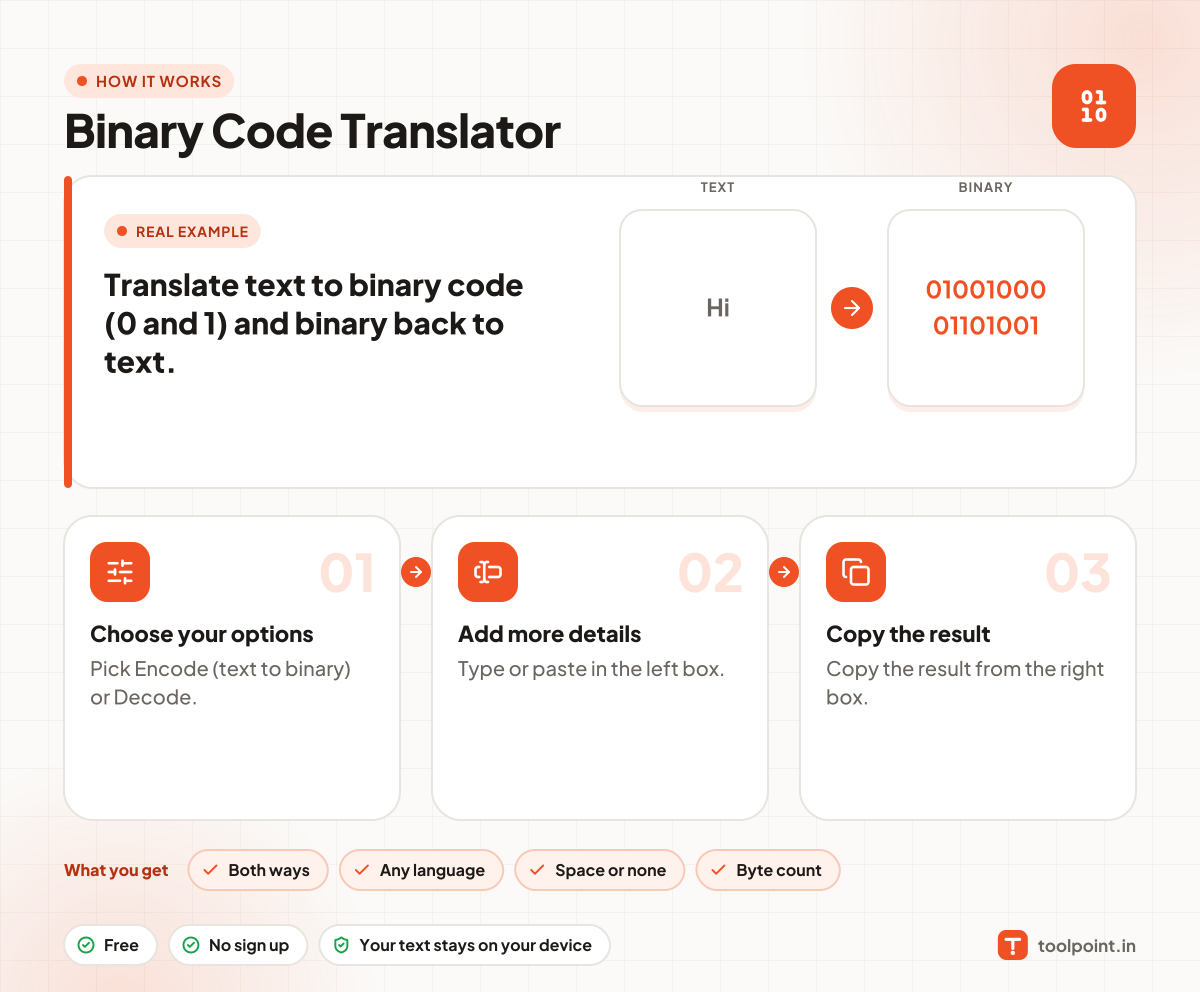
How it works, in one picture

Infographic: how to use the Binary Code Translator in 3 easy steps: Choose your options, Add more details and Copy the result. You get: Both ways, Any language, Space or none and Byte count.

Frequently asked questions

How do I convert text to binary?
Choose Encode and type your text. Each letter becomes 8 digits of 0 and 1, for example "A" is 01000001.
How do I read binary code?
Choose Decode and paste the 0s and 1s. Spaces do not matter, every 8 digits become one letter.
Why do some letters have more than 8 digits?
Letters outside English, like Hindi or emoji, need 2 to 4 bytes in UTF-8.

You may also like