Skip to content
Encoders & Ciphers

MD5 & SHA Hash Generator

Make an MD5, SHA-1, SHA-256, SHA-384 or SHA-512 hash of any text. Hash many lines at once. Runs in your browser, so your text stays private.

Something not working? Report a problem

What is the MD5 & SHA Hash Generator?

A hash is a short fingerprint of your text. The same text always gives the same hash, and even one changed letter gives a very different one. Hashes are used to check files, find duplicates and compare data.

Pick MD5, SHA-1 or one of the SHA-2 types and paste your text. You can also hash many lines in one go, one hash per line. Nothing is sent to a server.

How to use it

  1. Type or paste your text in the left box.
  2. Pick the hash type: MD5, SHA-1, SHA-256 and more.
  3. Copy the hash from the right box.

Why people like this tool

5 hash types

MD5, SHA-1, SHA-256, SHA-384, SHA-512.

One per line

Hash a whole list at once.

Capitals or small

Choose how the hash is written.

Private

Your text never leaves your browser.
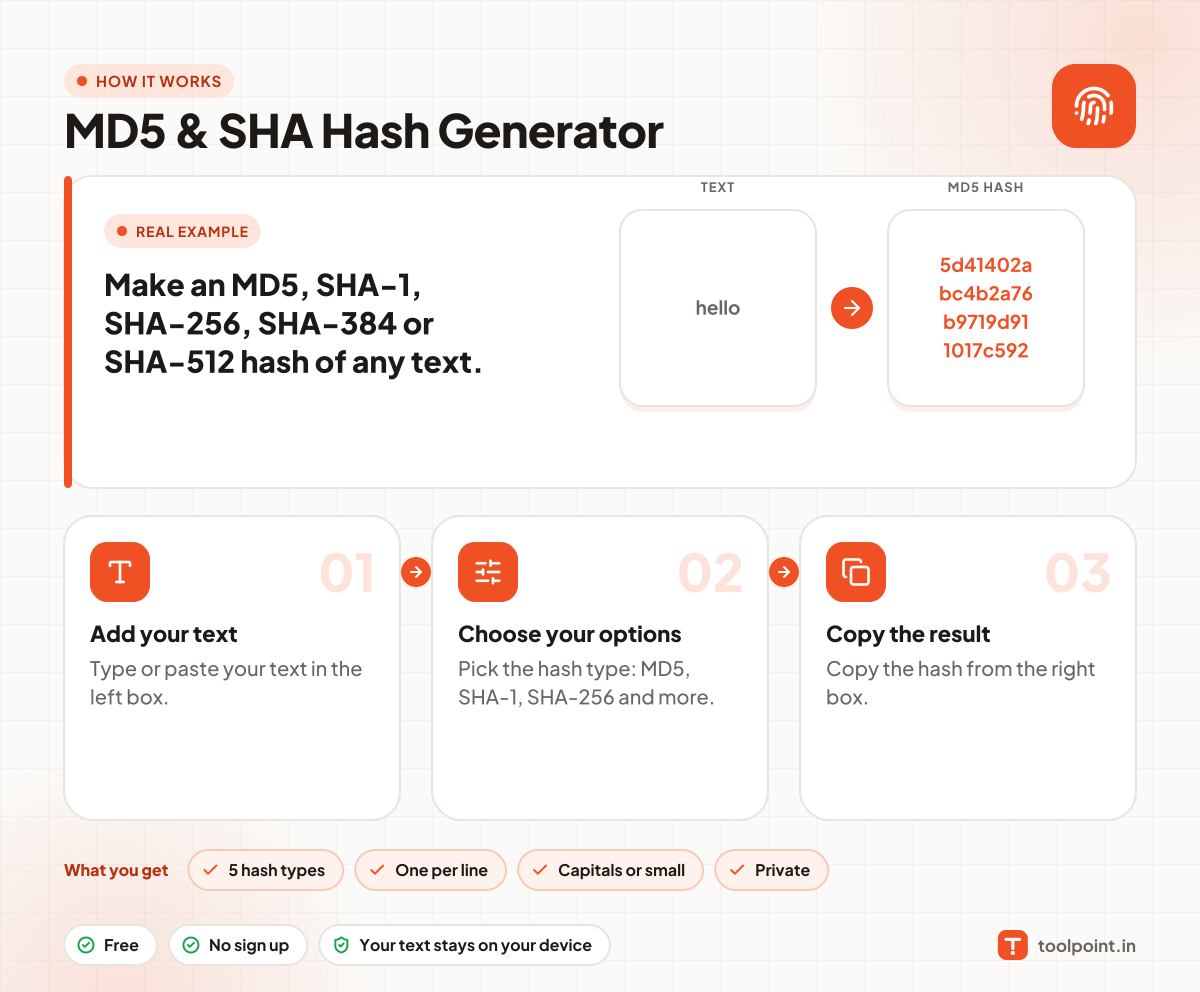
How it works, in one picture

Infographic: how to use the MD5 & SHA Hash Generator in 3 easy steps: Add your text, Choose your options and Copy the result. You get: 5 hash types, One per line, Capitals or small and Private.

Frequently asked questions

What is an MD5 hash?
MD5 turns any text into 32 hex characters. It is quick, and good for checking if two files are the same.
Is MD5 safe for passwords?
No. MD5 and SHA-1 are too weak and fast for passwords. Use a slow password hash like bcrypt or Argon2 on your server.
Can I turn a hash back into text?
No. A hash is one way. It cannot be reversed.
Which hash should I use?
Use SHA-256 for most new work. Use MD5 only when an old system asks for it.

You may also like