Skip to content
Webpage Converters

Webpage ZIP Downloader

Save a webpage with its CSS, JavaScript, images and fonts in one ZIP file. Open index.html to view the page offline.

Try:

Something not working? Report a problem

What is the Webpage ZIP Downloader?

Sometimes you want a full copy of a page, not just the text. Maybe to study how it is built, to keep a design for reference, or to view it offline.

This tool downloads the page HTML plus its stylesheets, scripts, images, icons and the fonts and images used inside the CSS. All links inside the files are changed to local paths, so when you open index.html the page looks close to the original. A report file tells you what was saved.

How to use it

  1. Paste the address of the webpage.
  2. Tick Skip JavaScript files if you only want the look of the page.
  3. Press Download ZIP.
  4. Unzip the file and open index.html in your browser.

Why people like this tool

Works offline

CSS, images and fonts are saved and linked locally.

CSS assets too

Background images and fonts inside stylesheets are included.

Download report

See which files were saved and which were skipped.

Safe limits

Up to 60 files and 40 MB per ZIP keep it quick.
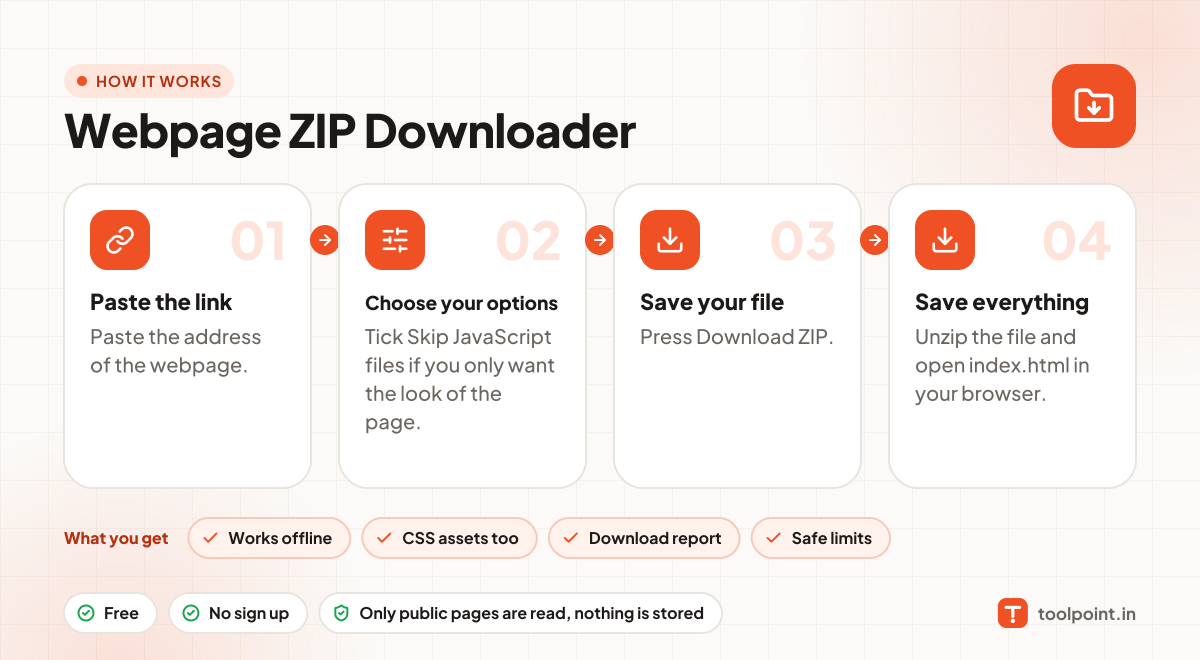
How it works, in one picture

Infographic: how to use the Webpage ZIP Downloader in 4 easy steps: Paste the link, Choose your options, Save your file and Save everything. You get: Works offline, CSS assets too, Download report and Safe limits.

Frequently asked questions

Will the page work exactly like the live site?
The look will be close. Things like logins, forms, videos, live data and pages built by JavaScript usually will not work offline.
Does it download the whole website?
No, just the one page you enter and the files it needs. It does not follow links to other pages.
Can I reuse the design?
For learning and reference, yes. Do not copy another site's design, text or images for your own website without permission.

You may also like