What is the Webpage to PDF Downloader?
Want to read an article later, print it, or keep a copy for your records? Printing a webpage often gives you messy pages full of menus, ads and cookie boxes.
Our Webpage to PDF tool finds the main article on the page, removes the clutter, and builds a neat A4 PDF with the title, the source link and date, headings, tables and pictures. You can also choose text only, or save the whole page.
How to use it
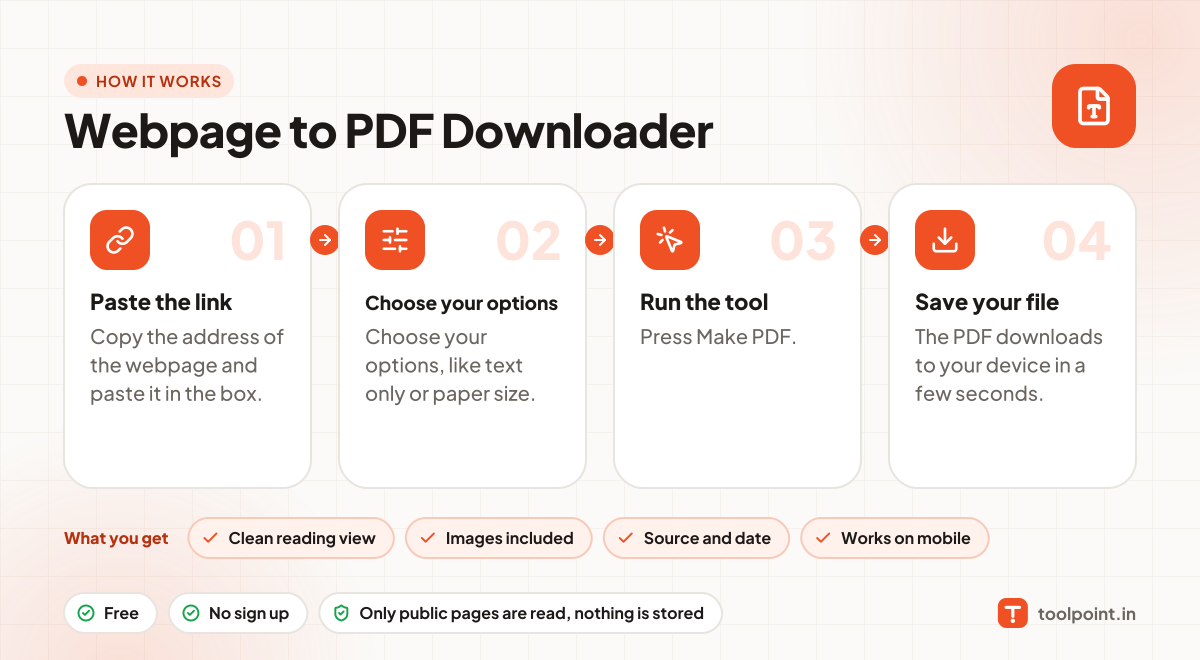
- Copy the address of the webpage and paste it in the box.
- Choose your options, like text only or paper size.
- Press Make PDF.
- The PDF downloads to your device in a few seconds.
Why people like this tool
Clean reading view
Menus, ads, pop-ups and footers are removed.
Images included
Article images are kept inside the PDF (or skip them for a small file).
Source and date
Every PDF shows where it came from and when you saved it.
Works on mobile
Save articles as PDF straight from your phone.