Skip to content
Webpage Converters

Webpage to JSON Converter

Turn any webpage into clean JSON: title, meta tags, Open Graph, headings, links, images, hreflang and schema data. Great for developers and SEO audits.

Try:

Something not working? Report a problem

What is the Webpage to JSON Converter?

Developers and SEO people often need the key facts of a page in a structured format. Writing a scraper for that takes time.

This tool reads the page and gives you one neat JSON file with the title, description, canonical, language, all meta tags, Open Graph and Twitter tags, the heading outline, every link (marked internal or external), every image with alt text, hreflang tags and schema.org data. You can also include the main text of the article.

How to use it

  1. Paste the webpage address.
  2. Tick Include main text if you also want the article words.
  3. Press Convert to JSON.
  4. Copy the JSON or download it as a file.

Why people like this tool

Structured data

Everything grouped under clear keys like meta, headings, links and images.

Internal vs external

Each link is marked internal or external.

Schema included

JSON-LD blocks are added as real JSON, not text.

Word count

See how long the main content is.
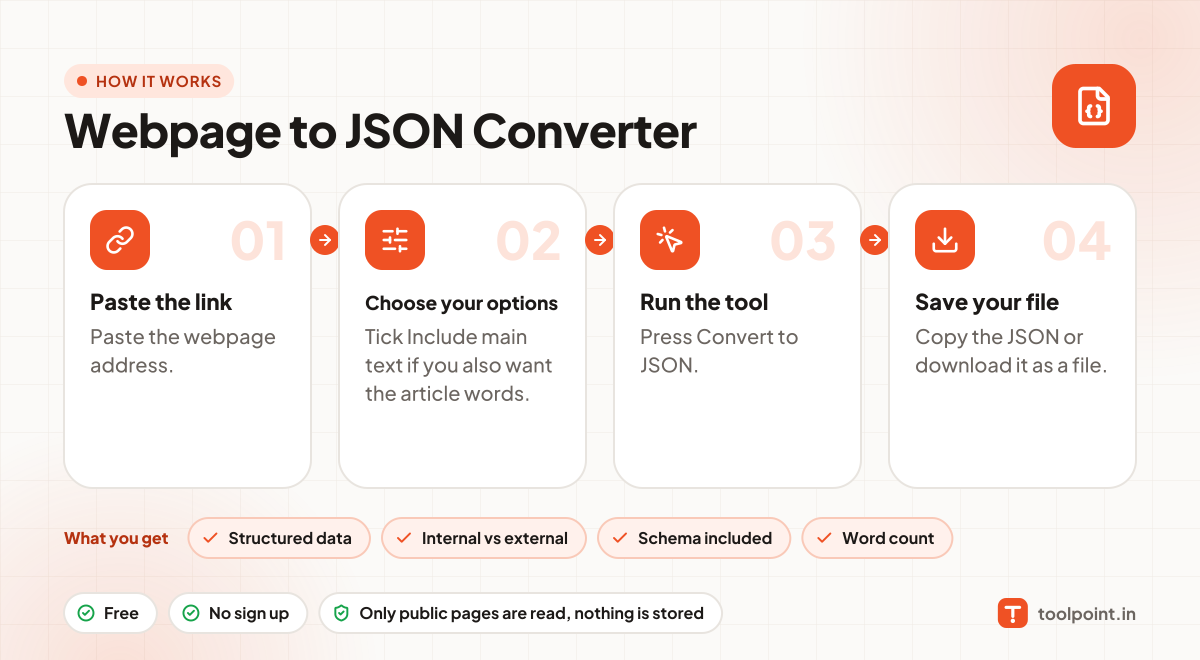
How it works, in one picture

Infographic: how to use the Webpage to JSON Converter in 4 easy steps: Paste the link, Choose your options, Run the tool and Save your file. You get: Structured data, Internal vs external, Schema included and Word count.

Frequently asked questions

What can I do with the JSON?
Feed it to scripts, spreadsheets or AI tools, compare pages, or build SEO reports without writing a scraper.
Is there a limit on links and images?
We include up to 2,000 links and 1,000 images per page, which covers almost every page.
Does it run JavaScript?
No. It reads the HTML the server sends. Content added later by JavaScript is not included.

You may also like