Skip to content
Webpage Converters

Webpage to XML Converter

Convert a webpage's key data into a tidy XML file: title, meta tags, headings, links, images and schema. Useful for older tools that need XML.

Try:

Something not working? Report a problem

What is the Webpage to XML Converter?

Some tools, feeds and older systems still work best with XML. This converter gives you the same rich page data as our JSON tool, but as clean, valid XML.

You get the title, description, canonical, language, meta tags, Open Graph and Twitter tags, headings, links, images, hreflang tags and schema data, each in its own clearly named element. You can also add the main article text.

How to use it

  1. Paste the webpage address.
  2. Choose if you want the main text included.
  3. Press Convert to XML.
  4. Copy the XML or download it as a .xml file.

Why people like this tool

Valid XML

Safe element names and clean text, so the file always opens.

Clear structure

Lists use simple item names like <link> and <image>.

Same data as JSON

Title, meta, headings, links, images, schema and more.

UTF-8 ready

All languages and symbols are kept.
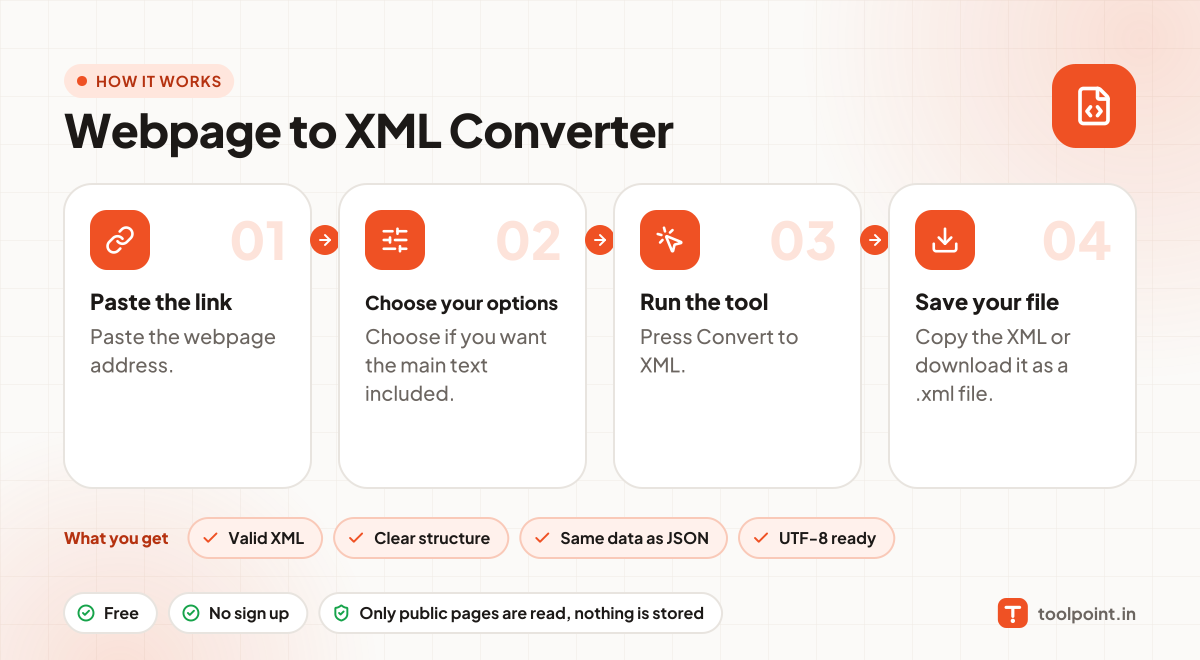
How it works, in one picture

Infographic: how to use the Webpage to XML Converter in 4 easy steps: Paste the link, Choose your options, Run the tool and Save your file. You get: Valid XML, Clear structure, Same data as JSON and UTF-8 ready.

Frequently asked questions

Why would I need XML instead of JSON?
Some systems, like older CMS importers, XSLT tools or enterprise software, only accept XML.
What happens to meta names with odd characters?
We turn them into safe element names and keep the real name in a name="" attribute.
Is this the same as a sitemap?
No. This file describes one page in detail. For a list of all pages, use our Sitemap Index Downloader.

You may also like