Skip to content
Link & File Finders

Webpage File Link Downloader

Find every downloadable file on a webpage: documents, images, audio, video, archives, apps and fonts. Filter by type and download as ZIP.

Try:

Something not working? Report a problem

What is the Webpage File Link Downloader?

This is the all-in-one file finder. It looks at every link and every image, video and audio file on a page, and lists all real files, sorted into groups like Documents, Images, Audio, Video, Archives and Apps.

You can download everything as one ZIP, or just one group, like only images or only MP3 files. The full list can also be copied or saved as CSV.

How to use it

  1. Paste the address of any webpage.
  2. Press Find all files.
  3. See counts for each file type and the full list.
  4. Download all files, or choose one group like Images or Audio.

Why people like this tool

Every file type

Documents, data, images, audio, video, archives, apps and fonts.

Media too

Files in <img>, <video>, <audio> and <source> tags are included.

Download by group

Get only the files you need.

Safe fetching

We only download public files. We never open or run them.
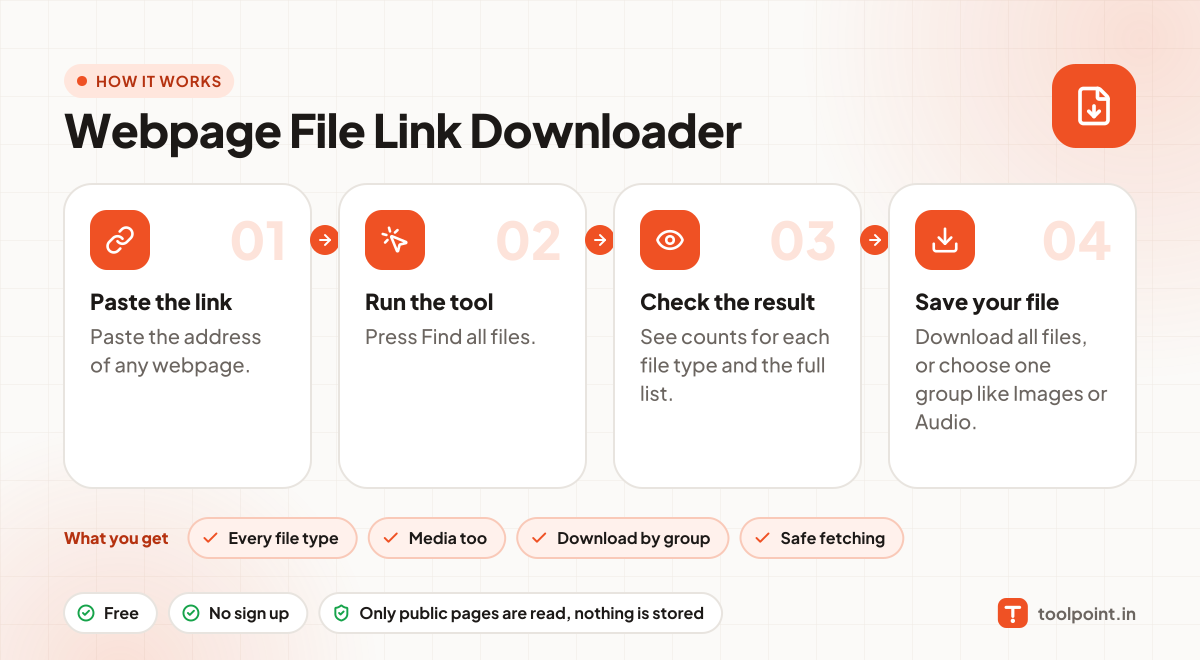
How it works, in one picture

Infographic: how to use the Webpage File Link Downloader in 4 easy steps: Paste the link, Run the tool, Check the result and Save your file. You get: Every file type, Media too, Download by group and Safe fetching.

Frequently asked questions

What is a file link?
A link that ends with a file type, like .pdf, .mp3, .zip or .jpg. Normal page links are not included.
Can I download YouTube videos with this?
No. Video sites stream videos in pieces and do not link to files. This tool only finds real file links on a page.
Why are some images missing?
Images set in CSS or loaded by JavaScript are not in the page links. Try our CSS URL Extractor for CSS images.
Is downloading apps (APK) safe?
Only install apps from sources you trust. We just save the file; we do not check it for viruses.

You may also like