Skip to content
Link & File Finders

Document Links Downloader

Find all Word, Excel, PowerPoint, PDF and other document links on a webpage. Filter by type and download them together as a ZIP.

Try:

Something not working? Report a problem

What is the Document Links Downloader?

Office files hide on many web pages: Word forms, Excel sheets, PowerPoint slides, PDFs and text files. This tool finds all of them in one scan.

We group the files by type and show how many of each we found. Download everything as one ZIP, or pick just one type, like only Excel files. You can also export the full list to CSV.

How to use it

  1. Paste the address of the page with the documents.
  2. Press Find documents.
  3. See each file with its type and link text.
  4. Download all as ZIP, or choose one file type to download.

Why people like this tool

14 document types

PDF, DOC, DOCX, XLS, XLSX, PPT, PPTX, ODT, ODS, ODP, RTF, TXT, CSV and EPUB.

Filter by type

Download only the kind of file you need.

Clear list

File name, type, link text and where it is hosted.

CSV export

Keep a list of every document link.
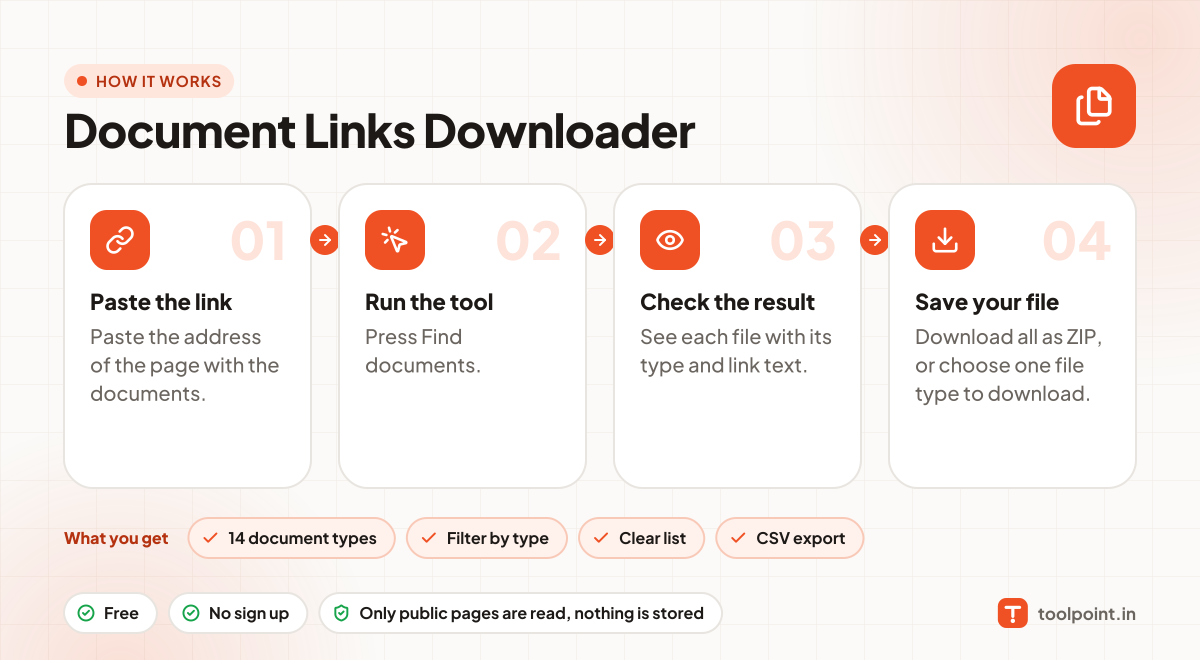
How it works, in one picture

Infographic: how to use the Document Links Downloader in 4 easy steps: Paste the link, Run the tool, Check the result and Save your file. You get: 14 document types, Filter by type, Clear list and CSV export.

Frequently asked questions

Which file types are included?
PDF, Word (doc, docx), Excel (xls, xlsx), PowerPoint (ppt, pptx), OpenDocument (odt, ods, odp), RTF, TXT, CSV and EPUB.
Can I download only Excel files?
Yes. After the scan, use the buttons under "Or only" to download one type.
Are files from other websites included?
Yes, links to documents on other sites are listed too. The "Hosted on" column shows where each file lives.

You may also like