Skip to content
Link & File Finders

PDF Links Downloader

Find every PDF linked on a webpage and download them all in one ZIP file. Great for notices, forms, reports, circulars and study material.

Try:

Something not working? Report a problem

What is the PDF Links Downloader?

Government sites, colleges and companies often put dozens of PDFs on one page: forms, circulars, results, price lists and reports. Clicking each one and saving it is slow.

Paste the page link and we list every PDF on it with its file name and link text. Copy the list, export it as CSV, or press one button to get all PDFs in a single ZIP file. A small report inside the ZIP shows which files were saved.

How to use it

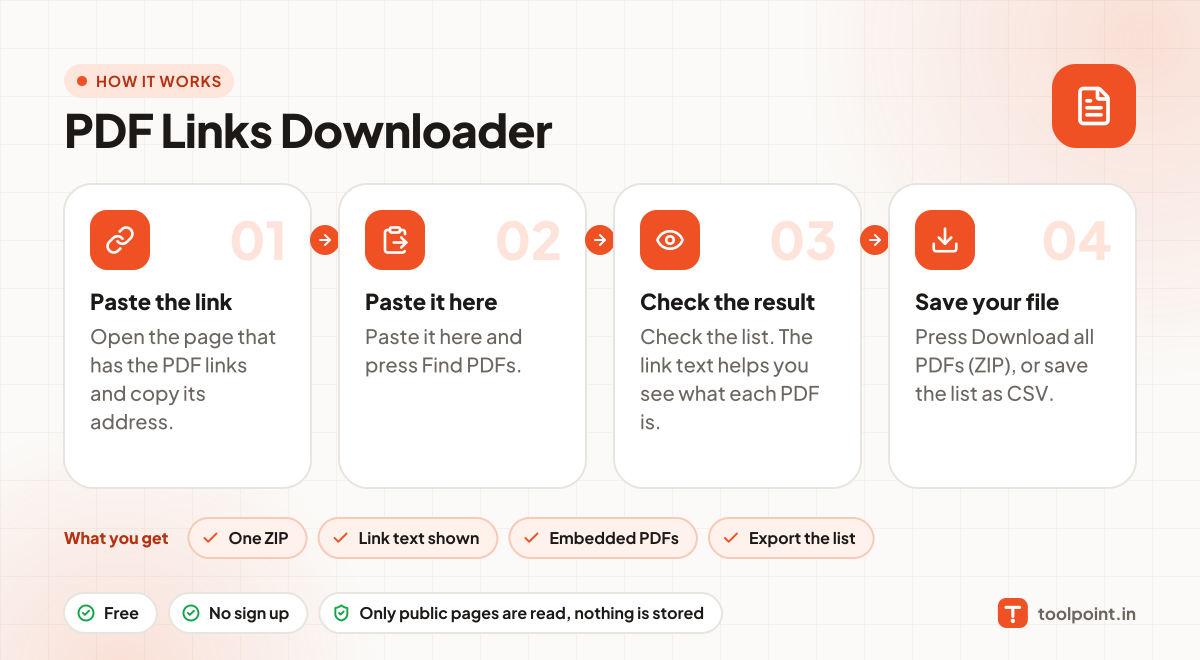
  1. Open the page that has the PDF links and copy its address.
  2. Paste it here and press Find PDFs.
  3. Check the list. The link text helps you see what each PDF is.
  4. Press Download all PDFs (ZIP), or save the list as CSV.

Why people like this tool

One ZIP

Up to 60 PDFs and 40 MB in one download.

Link text shown

See the title of each PDF, not just a file name.

Embedded PDFs

PDFs shown inside the page with iframe or embed are found too.

Export the list

Save all PDF links as CSV to share or download later.
How it works, in one picture

Infographic: how to use the PDF Links Downloader in 4 easy steps: Paste the link, Paste it here, Check the result and Save your file. You get: One ZIP, Link text shown, Embedded PDFs and Export the list.

Frequently asked questions

Why are some PDFs not found?
Some sites open PDFs through JavaScript buttons or behind a login. We can only see links that are written in the page.
There are more than 60 PDFs. What now?
Download the first 60 as ZIP, then use the CSV list to get the rest, or run the tool on smaller pages.
Is it safe to download PDFs?
We only fetch the files; we never open or run them. As always, only open files from websites you trust.
Does it work on government websites?
Yes, on most public pages. Some government sites block automatic downloads, which the report will show.

You may also like