Skip to content
Works with Apple Podcasts

Podcast Batch Downloader

Download many episodes of a podcast at once. Load the show, tick the episodes you want, and save them as a ZIP or one after another.

Try:

Only public content can be saved. Please download only what you made yourself or have permission to use, and respect the creator's rights.

Something not working? Report a problem

What is the Podcast Batch Downloader?

Going on a trip or saving a whole series? Paste the show's Apple Podcasts link or RSS feed and we list every episode.

Tick the episodes you want, or use Select all. Save them one after another (best for many big files) or together in one ZIP.

How to use it

  1. Paste the show link or feed and press Load episodes.
  2. Tick the episodes you want.
  3. Press One by one or ZIP selected.

Why people like this tool

Pick any episodes

Tick exactly what you need.

One by one mode

Best for many large episodes.

Dated names

Files sort by date in your folder.

Episode list

Export all titles and links as CSV.
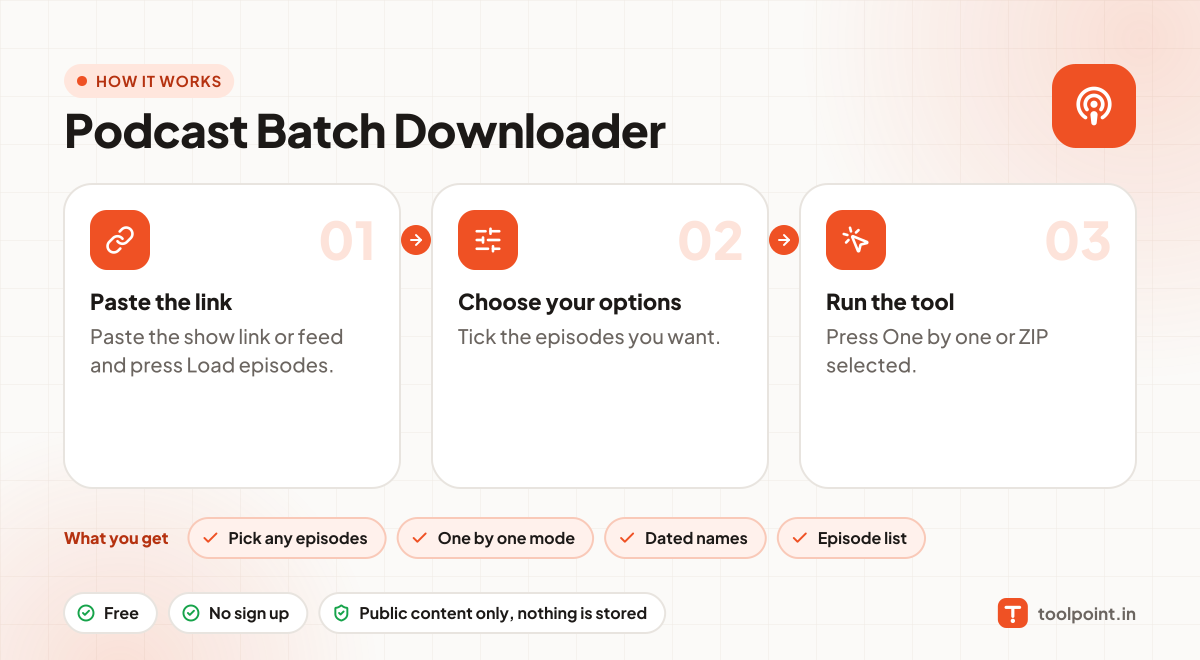
How it works, in one picture

Infographic: how to use the Podcast Batch Downloader in 3 easy steps: Paste the link, Choose your options and Run the tool. You get: Pick any episodes, One by one mode, Dated names and Episode list.

Frequently asked questions

My browser asks to allow many downloads.
That is normal for "One by one". Press Allow once and all episodes will download.
Should I use ZIP or One by one?
Podcast episodes are big. For more than a few episodes, "One by one" is safer because it does not need to hold everything in memory.
Does it work with Spotify?
No. Spotify does not share podcast files publicly.
Do you keep the files?
No. Files pass straight to your device. Nothing is stored on our server.

You may also like