Skip to content
Works with RSS

RSS Audio Downloader

Download every audio file (MP3, M4A, OGG and more) attached to an RSS or Atom feed. Paste the feed link and save one file or many.

Try:

Only public content can be saved. Please download only what you made yourself or have permission to use, and respect the creator's rights.

Something not working? Report a problem

What is the RSS Audio Downloader?

Some feeds mix articles, pictures and audio. This tool keeps only the audio files, so you see a clean list of MP3, M4A, AAC, OGG and other sound files with their dates and sizes.

It works with podcast feeds, radio show feeds, sermon and lecture feeds, and any other RSS or Atom feed. You can also paste a website address and we look for its feed.

How to use it

  1. Paste the RSS or Atom feed link (or the website address).
  2. Press Find audio.
  3. Download one file, or select many and save them as a ZIP.

Why people like this tool

Audio only

Pictures, videos and other files are left out.

Any feed

RSS 2.0, Atom and Media RSS.

Finds the feed

Paste a website and we look for its feed link.

Export

Save the audio list as CSV or JSON.
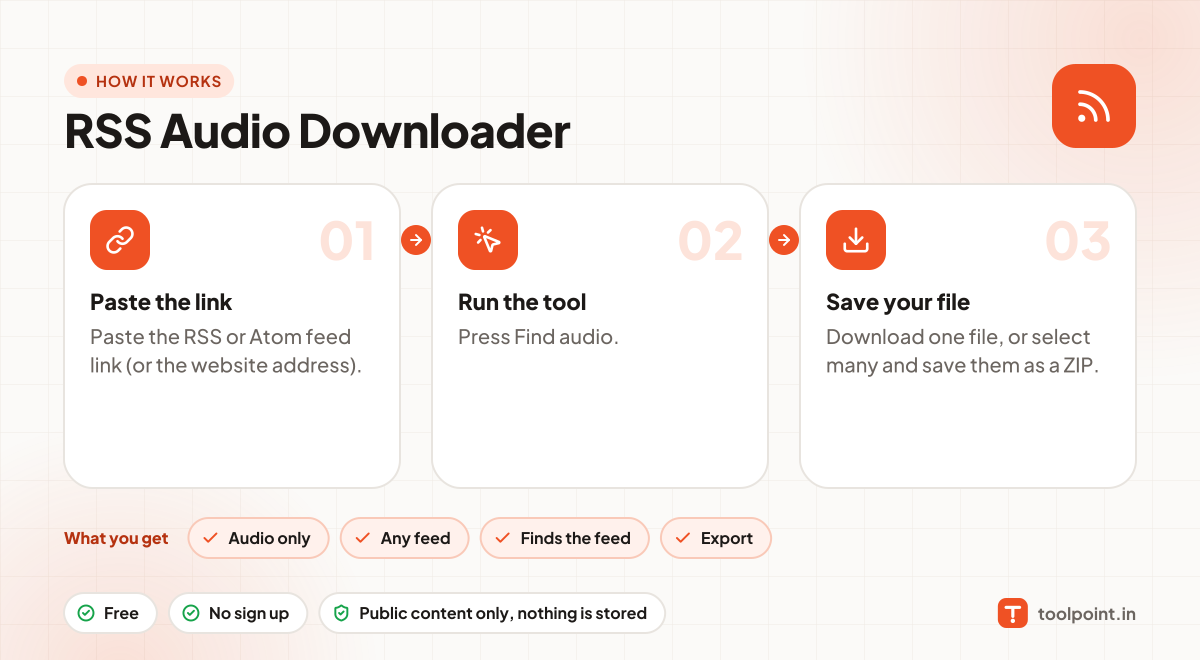
How it works, in one picture

Infographic: how to use the RSS Audio Downloader in 3 easy steps: Paste the link, Run the tool and Save your file. You get: Audio only, Any feed, Finds the feed and Export.

Frequently asked questions

What is an RSS feed?
It is a public list that a website or podcast keeps of its latest posts or episodes. Podcast apps read it to know about new episodes. Most feed links end in /feed, /rss or .xml.
The tool found no audio. Why?
The feed may only have text or pictures. Try the RSS Enclosure Downloader to see every file in the feed.
Is it okay to download episodes?
Yes, podcasts publish their feeds so people can download episodes to listen. Do not re-upload or sell them.
Does it work with private feeds?
Private feeds with a password in the link (from paid shows) may work, but only use feeds you are allowed to use.

You may also like