Skip to content
Works with RSS

RSS Enclosure Downloader

Download every file attached to an RSS or Atom feed: audio, video, images, PDFs and more. See each file's type, size and date first.

Try:

Only public content can be saved. Please download only what you made yourself or have permission to use, and respect the creator's rights.

Something not working? Report a problem

What is the RSS Enclosure Downloader?

An "enclosure" is a file attached to a feed item, like a podcast MP3, a video, a photo or a PDF. This tool reads any public feed and lists every enclosure and media file it finds.

Filter by type, download the files you need, or save them all as a ZIP. The list can also be exported as CSV or JSON.

How to use it

  1. Paste the feed link (or a website address).
  2. Press Find files.
  3. Filter by type, then download or save as ZIP.

Why people like this tool

Every file type

Audio, video, images, PDFs and other documents.

Media RSS support

Reads media:content and media:group too.

Filter by type

Show only videos, only images, and so on.

Export

CSV and JSON lists of all files.
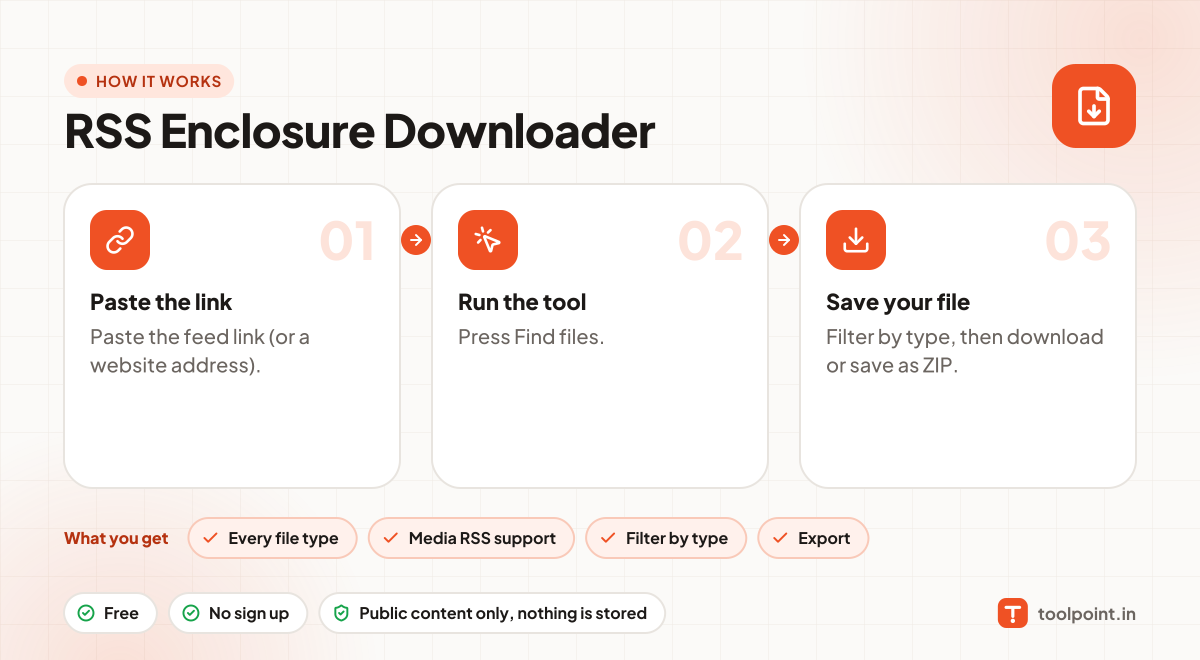
How it works, in one picture

Infographic: how to use the RSS Enclosure Downloader in 3 easy steps: Paste the link, Run the tool and Save your file. You get: Every file type, Media RSS support, Filter by type and Export.

Frequently asked questions

What is an RSS feed?
It is a public list that a website or podcast keeps of its latest posts or episodes. Podcast apps read it to know about new episodes. Most feed links end in /feed, /rss or .xml.
How many items can it read?
Up to 1,000 items per feed, which covers almost every feed.
Does it follow links in articles?
No. It collects files attached to the feed, not links written inside the text.
Do you keep the files?
No. Files go straight to your device.

You may also like