Skip to content
Code Formatters

GraphQL Formatter

Format GraphQL queries and schemas with clean indents, or minify them. Free online GraphQL beautifier that runs in your browser.

Something not working? Report a problem

What is the GraphQL Formatter?

Paste a GraphQL query, mutation or schema and get tidy, indented code. It is easy to read, to share and to compare in code review.

Choose Minify to make a query as short as possible for sending in a request. Comments are removed in that mode.

How to use it

  1. Paste your GraphQL in the left box.
  2. The clean version shows on the right.
  3. Copy it or save it as a file.

Why people like this tool

Prettier powered

The same formatter many teams use.

Fast and private

Runs in your browser, nothing is sent.

Shows the error

Tells you where the code is broken.

Your style

Choose indent size and line width.
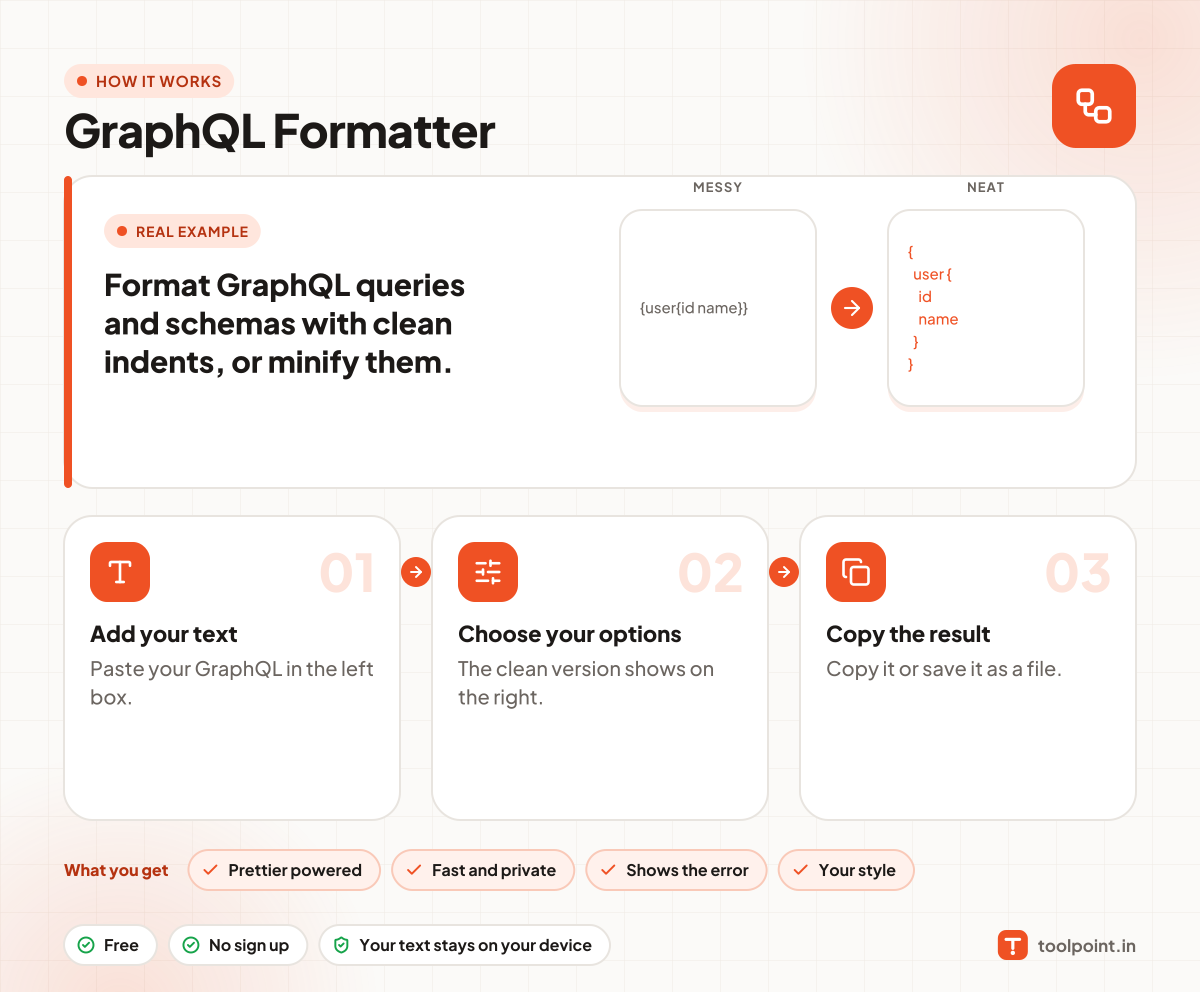
How it works, in one picture

Infographic: how to use the GraphQL Formatter in 3 easy steps: Add your text, Choose your options and Copy the result. You get: Prettier powered, Fast and private, Shows the error and Your style.

Frequently asked questions

How do I format a GraphQL query?
Paste it in the left box. The right box shows it with indents and one field on each line.
Does it work with schemas?
Yes. Types, inputs, enums and directives are formatted too.
Does Minify change the meaning?
No. It removes spaces, commas and comments only.

You may also like